Happy birthday, Eric! For Eric


12 contributions
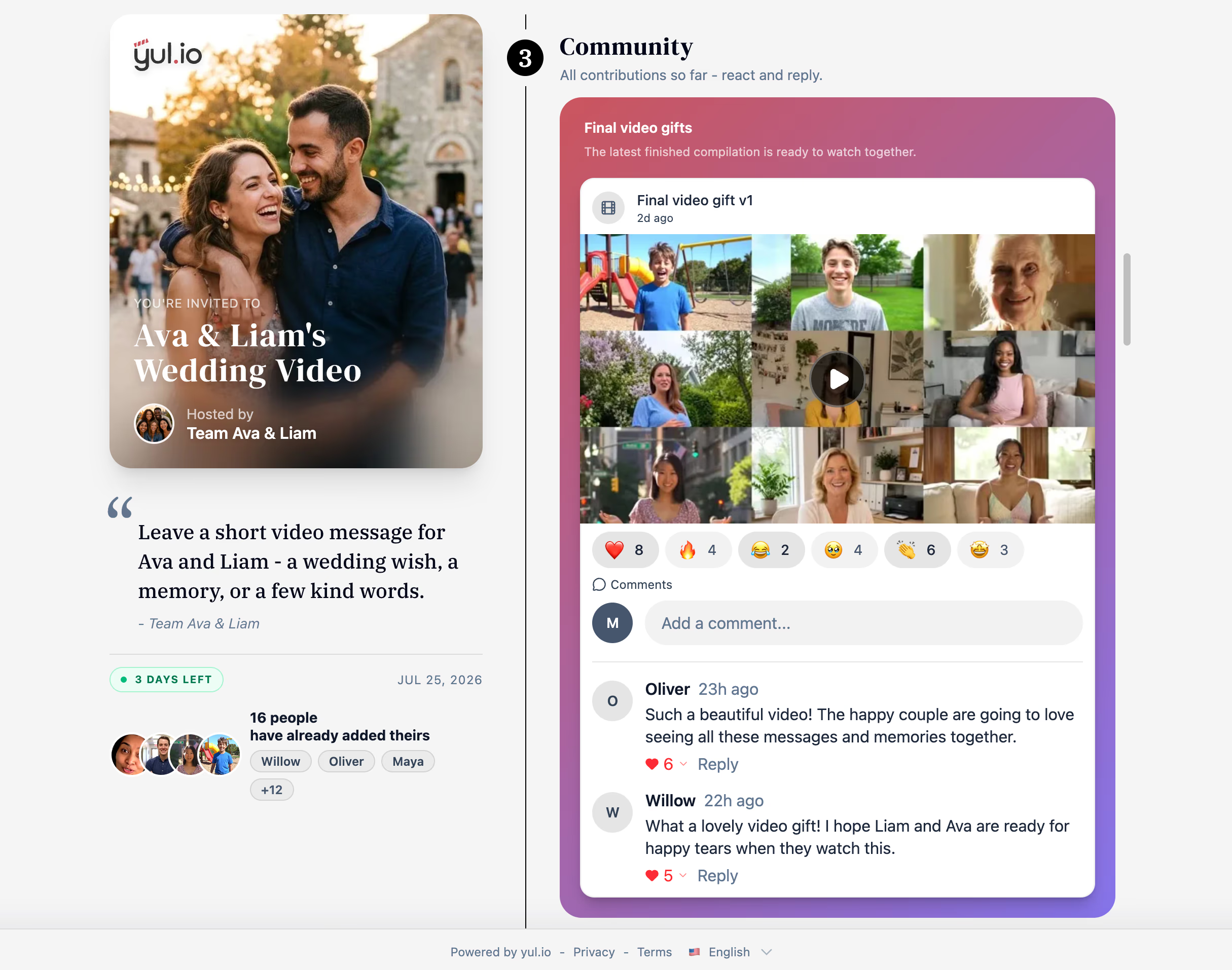
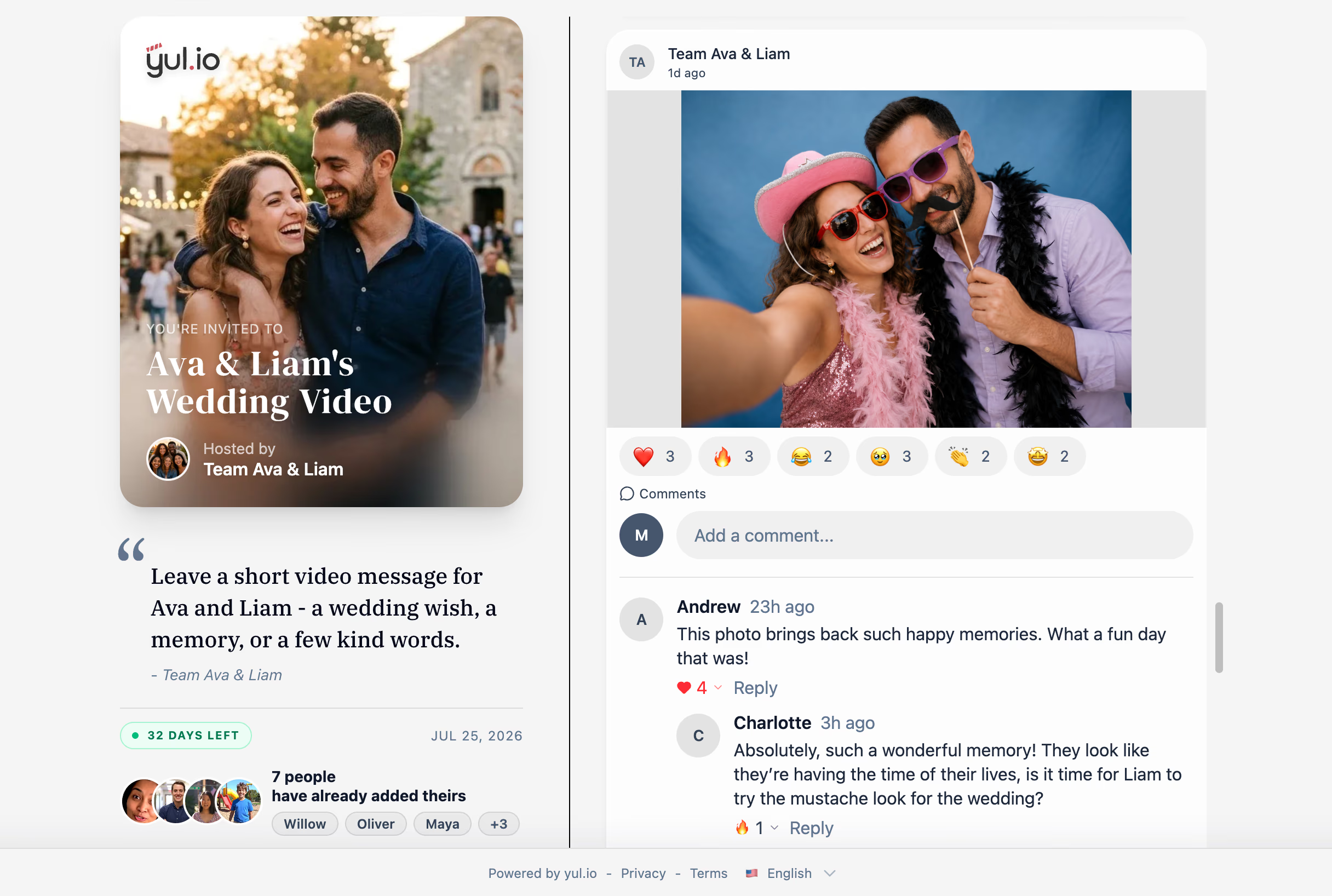
Collect video messages from friends and family and turn them into one beautiful video gift.


Three sample videos
Three complete sample videos for a birthday, wedding, and retirement, made from personal clips, photos, and messages. Personal clips, photos, and messages become one beautifully composed film.
See how every contribution becomes part of the finished gift.
Happy birthday, Eric! For Eric
12 contributions
Eric's video, video 1 of 3

Create a video gift in three easy steps
From collecting messages to sharing the final surprise, yul.io keeps it simple.
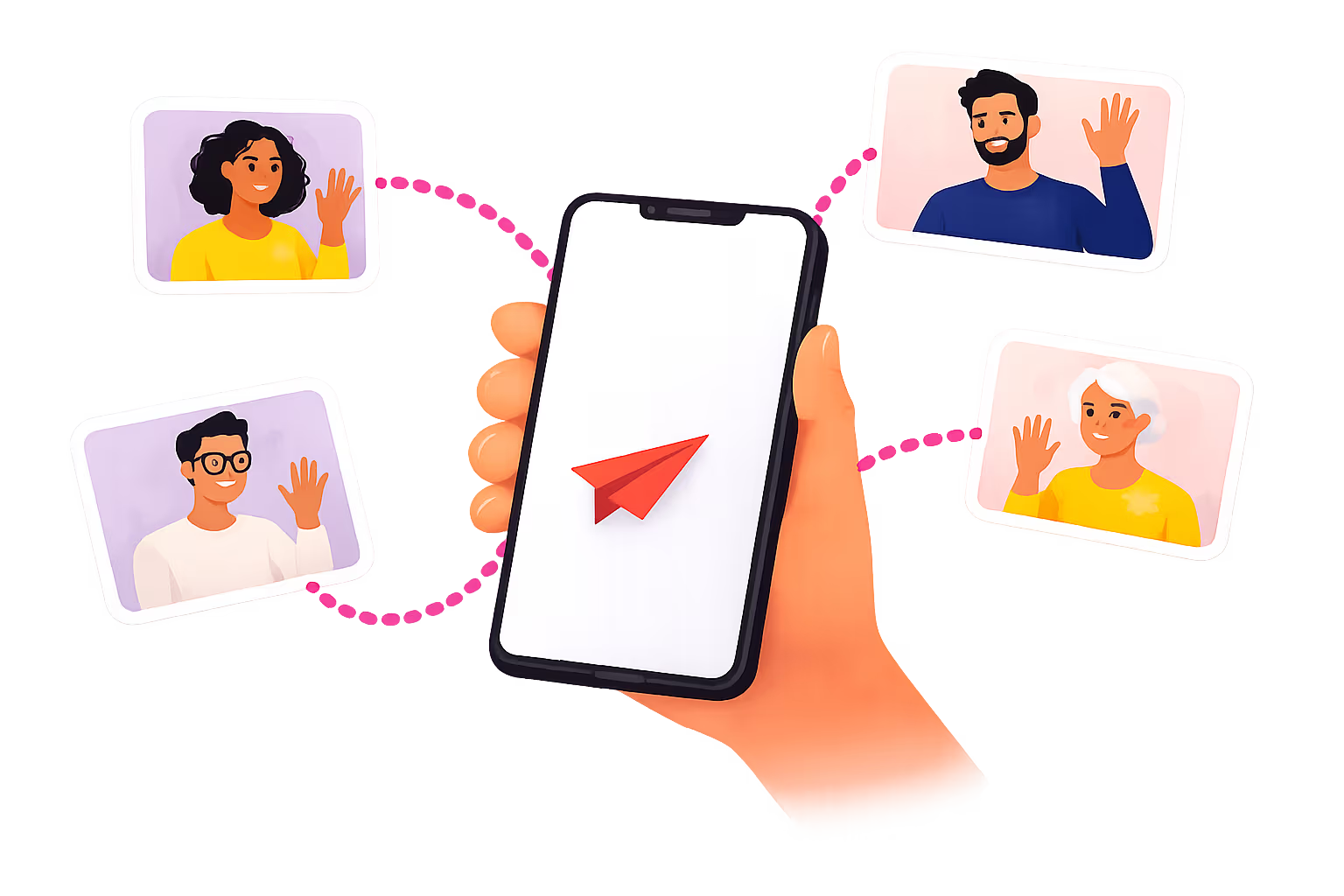
Friends and family can join from any phone or laptop – no app or complicated setup required.
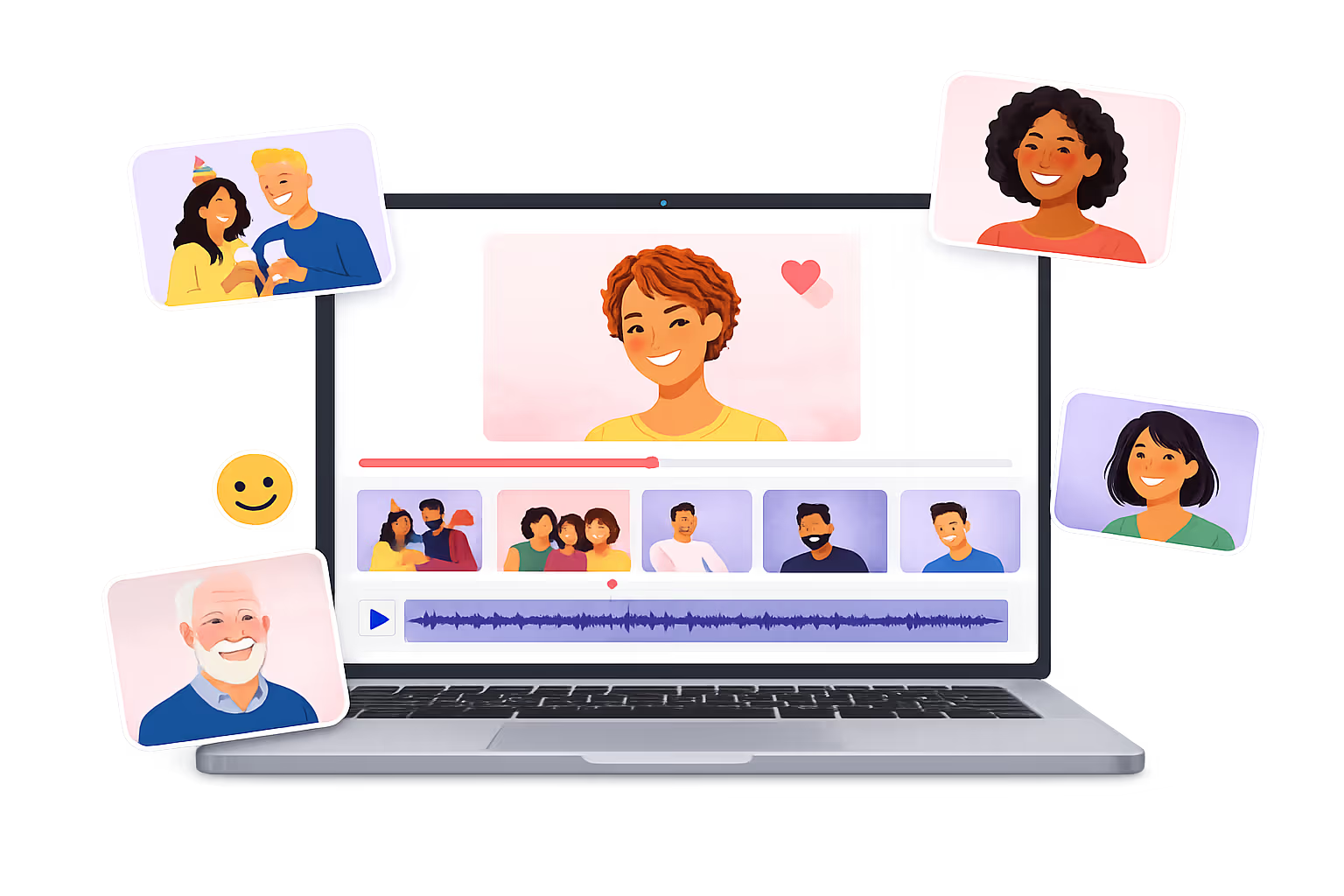
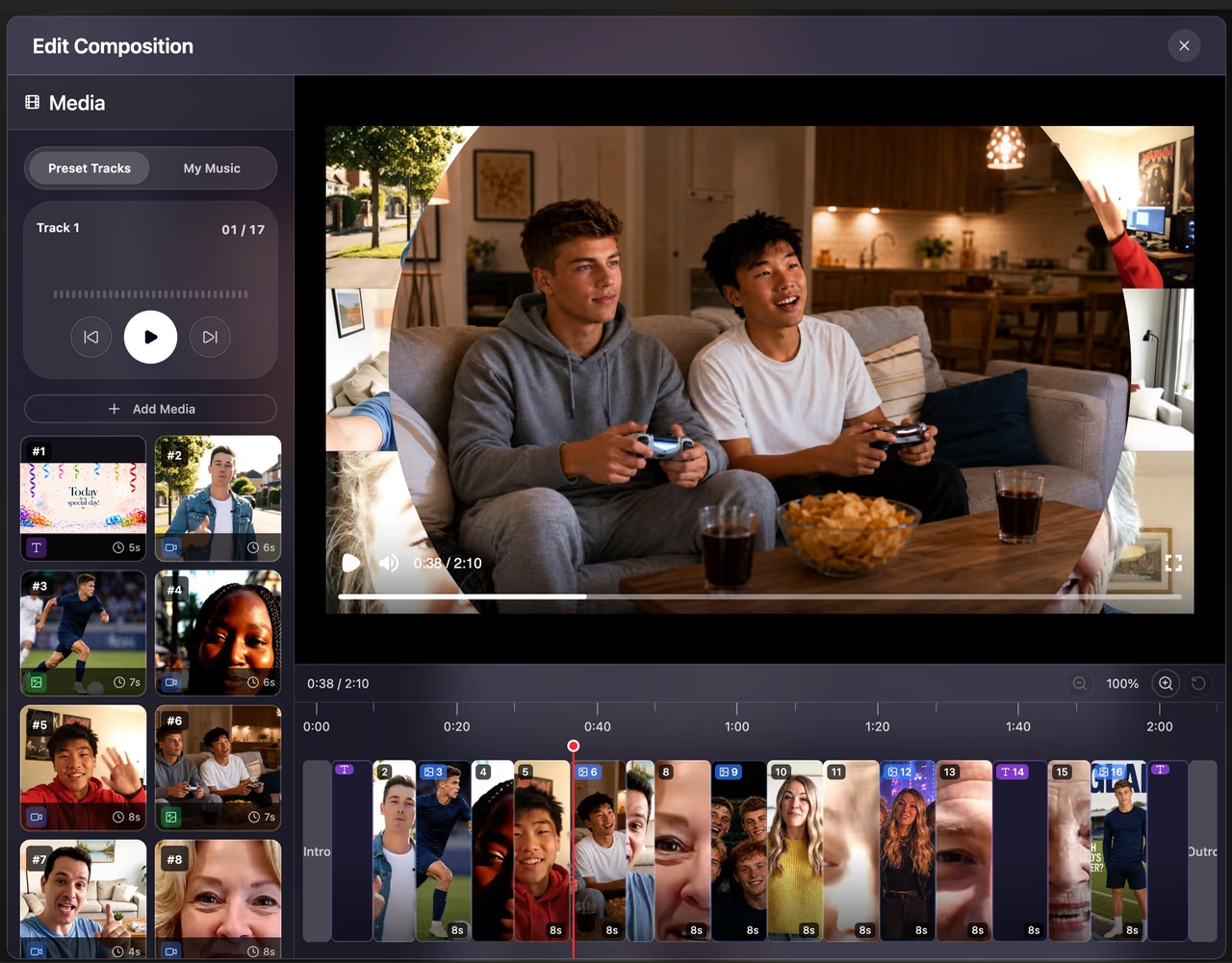
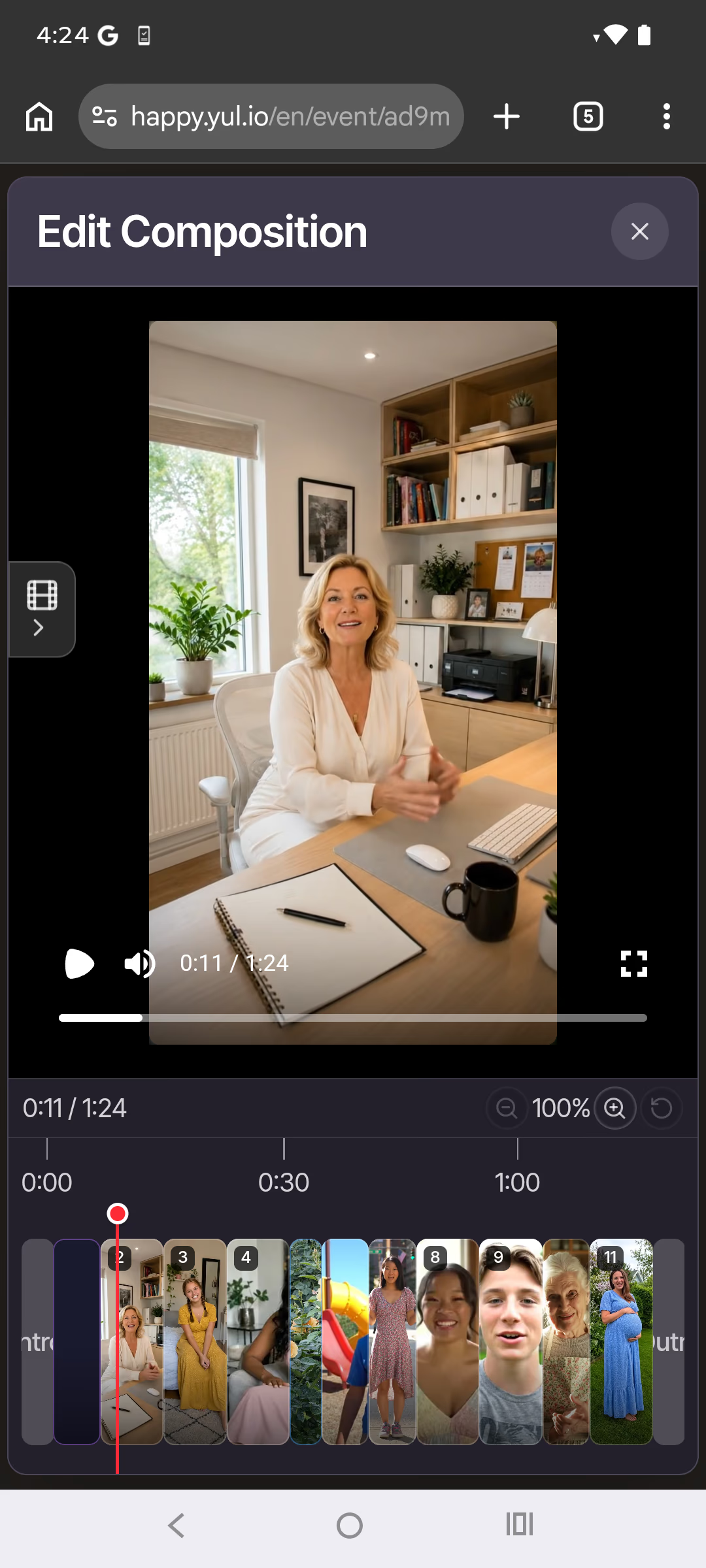
Beautiful animations and simple editing tools help you create a standout video, with you in control.
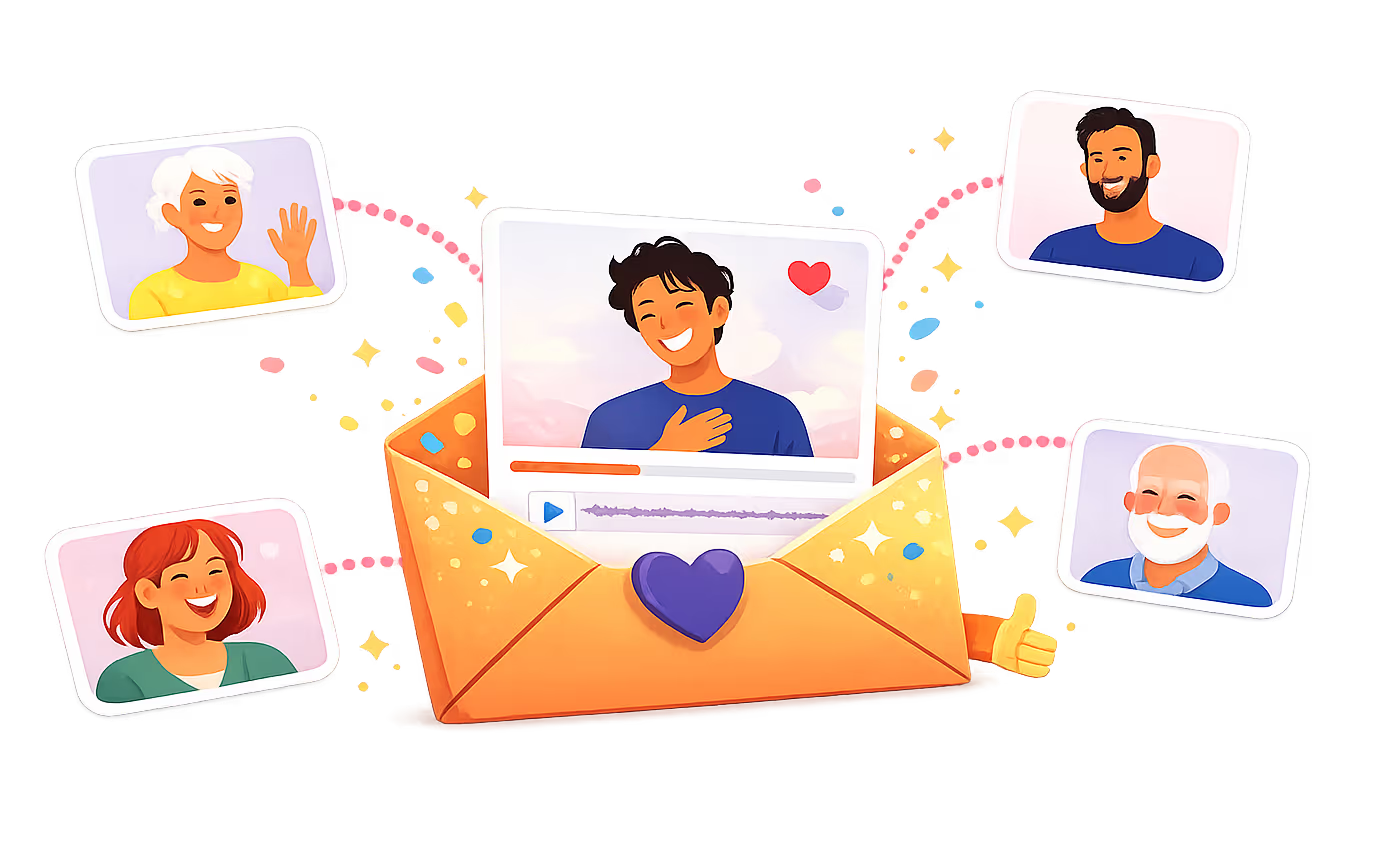
Create and share up to 5 minutes free in 480p portrait. Upgrade for Full HD in portrait and landscape.
Make any milestone unforgettable

Make birthdays feel extra special with a surprise group video from everyone who loves them.

Capture well-wishes and memories in a montage made for the big day.

Honor their legacy with a heartfelt tribute video from colleagues and friends.

Lift their spirits with a group video full of love and encouragement.

Celebrate a love story with a keepsake video for a milestone anniversary.

Bring the whole class together for a big thank-you video they will never forget.
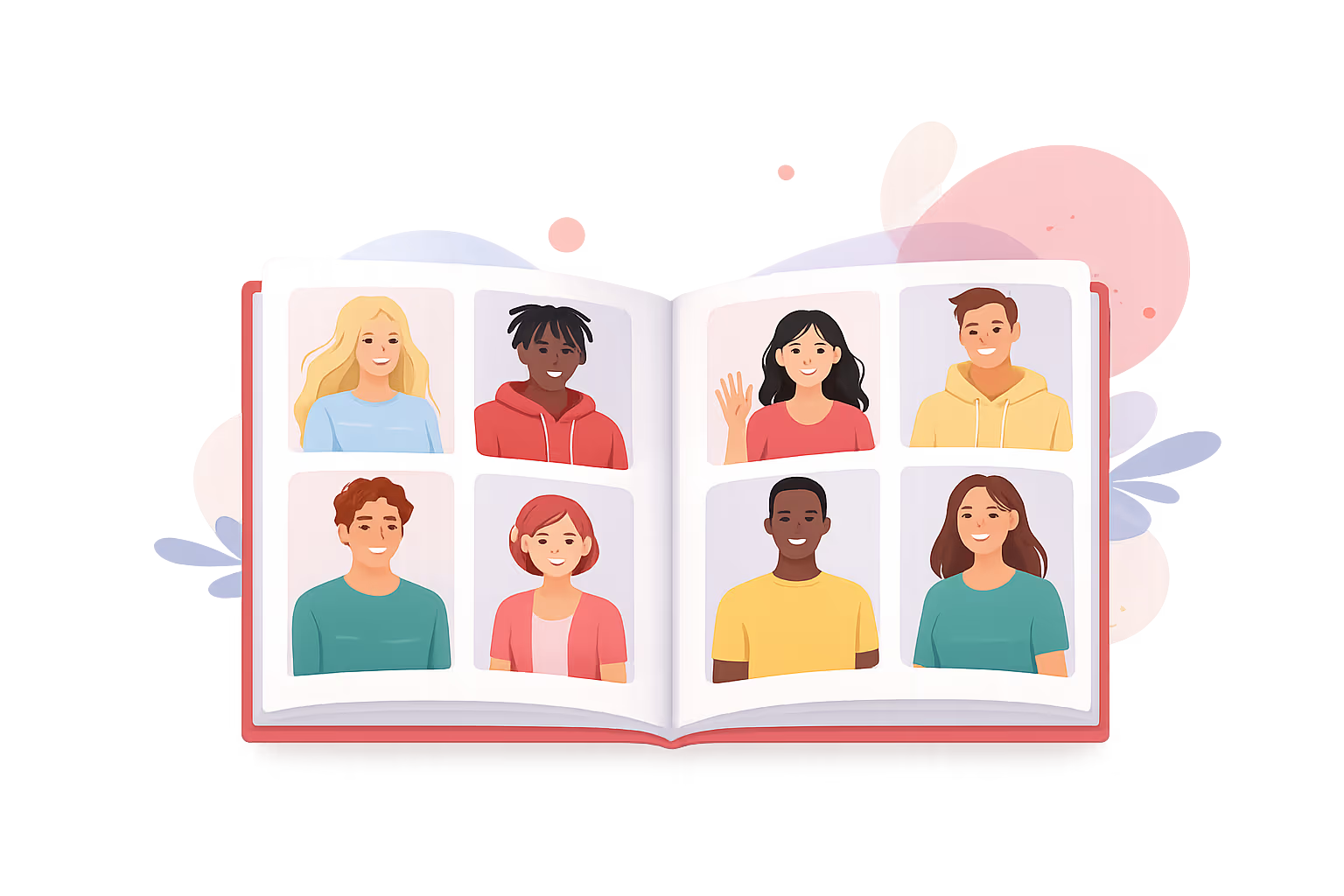
Create a digital yearbook with video messages from classmates and friends.

Have a unique moment? Make a custom group video for any occasion.
Everything you need to create the perfect video gift
yul.io is packed with features to make creating and sharing collaborative videos simple and fun.
Pay per video
Export videos up to 5 minutes for free in 480p portrait format. Upgrade anytime for 1080p Full HD and an additional landscape version.
Create first, choose export quality later
Answers to common questions
Most exports are ready in around 10 minutes. Longer videos or periods of high demand may take a little longer. You can follow progress in the app, and we’ll email you when it’s ready.
Yes. You can download the finished video or share it through a private surprise link. You can also download every uploaded contribution while it remains within its retention period, so your source files are never locked into yul.io.
Only people with the relevant private link can access it. Contributors use the invitation link, while the recipient gets a separate surprise link for the finished gift. You decide who receives each link.
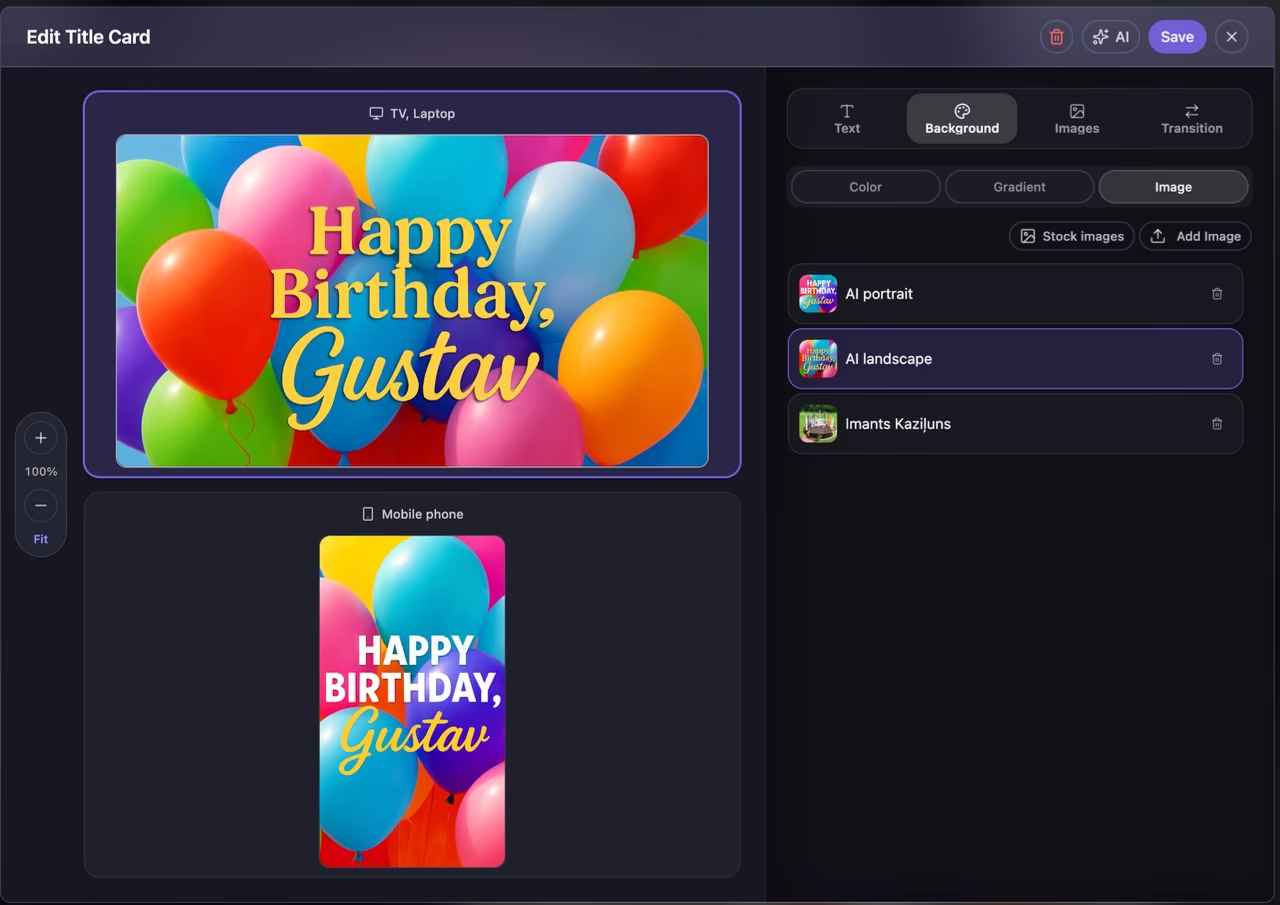
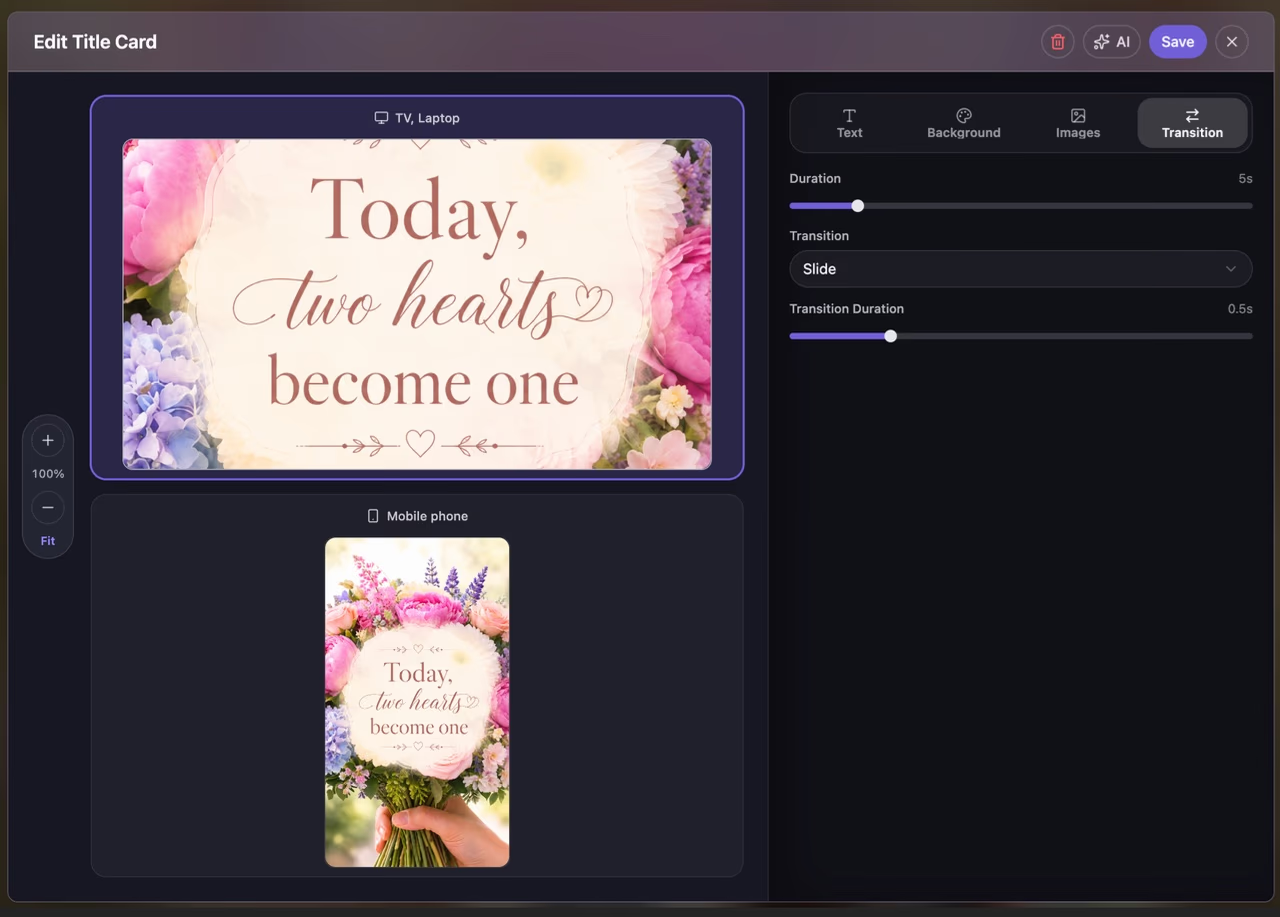
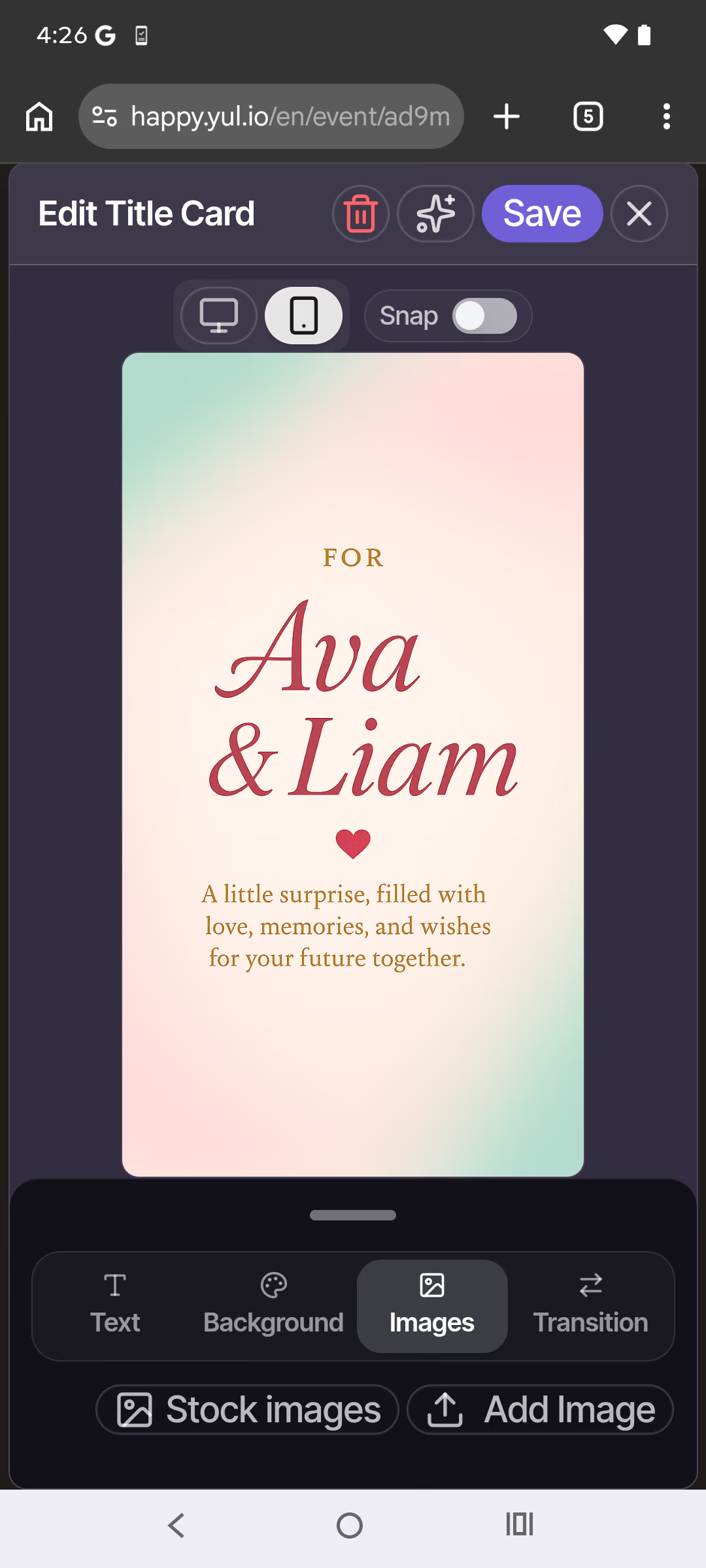
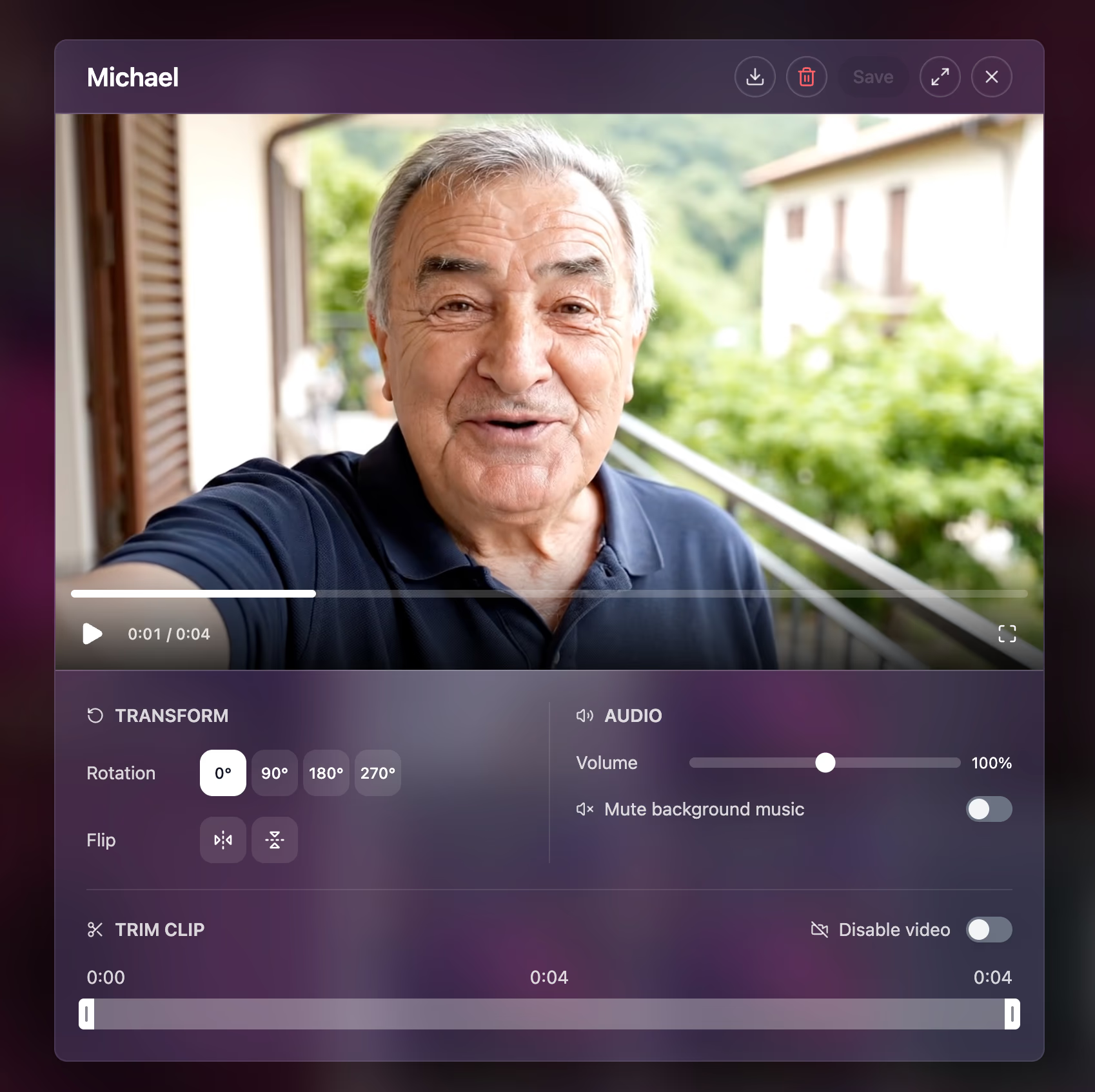
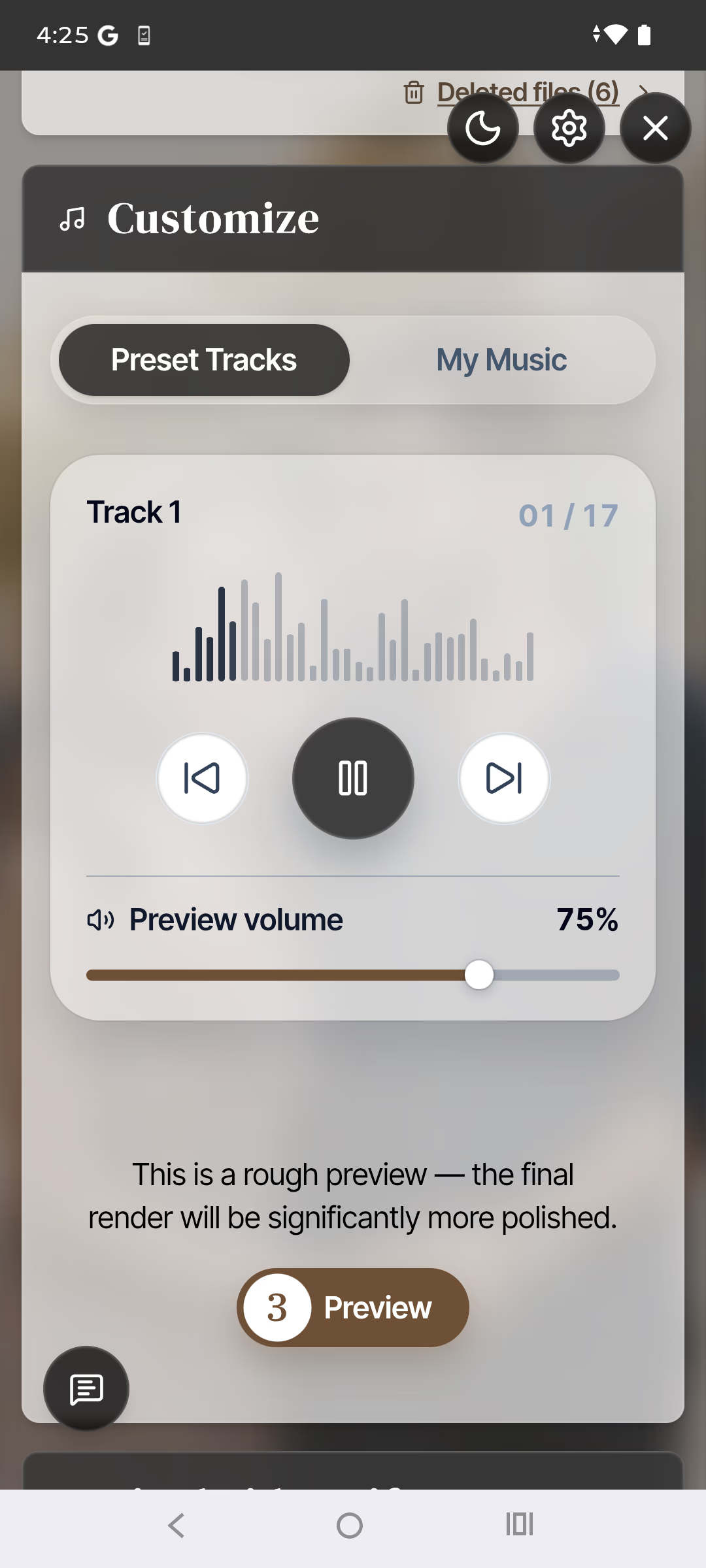
You can review and choose contributions, trim, rotate, and reorder videos, adjust images, create title cards, and choose transitions, intro and outro styles, and music. A real-time preview shows every change while yul.io handles the complex composition.
yul.io is operated in Austria, is fully GDPR/DSGVO compliant, and uses no tracking or marketing cookies. Uploaded videos, photos, and other project data are used only to create and deliver your video gift—never sold or shared for marketing purposes. We use EU-region infrastructure for EU users, and you can delete your content.
Bring everyone’s messages together in a video made just for them.
No credit card required