A wedding gift they'll replay forever.

Collect congratulations, toasts and stories from every guest – including those who cannot attend. yul.io creates a wedding video for the couple.

No credit card required
Set up in minutes

See it in action

See a finished video gift. Sample video

Everyone's clips, photos, and messages—brought together in one finished film. Here's a complete example, from start to finish. Everyone's clips, photos, and messages—brought together in one finished film.
Here's a complete example, from start to finish.

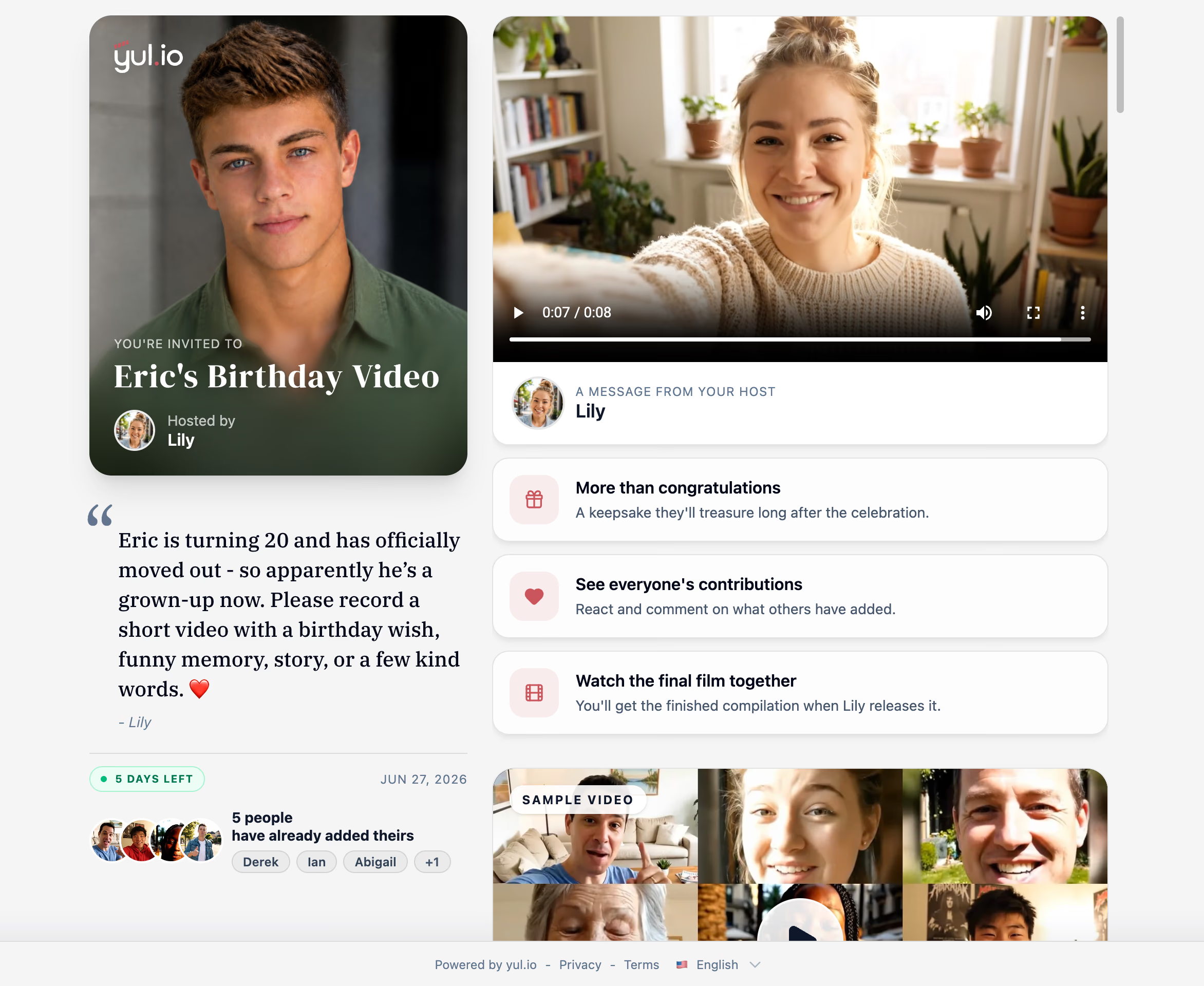
Eric's video

Happy birthday, Eric! For Eric

12 contributions

  • No editing skills needed
  • Music, titles, and transitions added automatically
  • Full HD for sharing and keeping

No editing skills needed—templates, music, and transitions help every gift feel polished.

Birthday

FOR THE BIG DAY

Say what a speech never could

Not everyone gets the microphone at a wedding. A shared video lets every guest tell a story, send their love, and celebrate the couple – a keepsake to replay on every anniversary.

Surprise for the couple

Surprise for the couple

Gather messages from both families before the wedding—then premiere the video at the reception.

Guests joining from afar

Guests joining from afar

Anyone who can't travel can still be part of the celebration and speak in their own words.

Anniversary revisits

Anniversary revisits

A keepsake to replay every year. Better than any photo album.

Organizer creating a group video gift on yul.io

How It Works

Create a video gift in three easy steps

From collecting messages to sharing the final surprise, yul.io keeps it simple.

  1. 1

    Invite friends and family

  2. 2

    Customize and create your video gift

  3. 3

    Share with the lucky recipient

Features

Everything you need to create the perfect video gift

yul.io is packed with features to make creating and sharing collaborative videos simple and fun.

01 Simple invitation

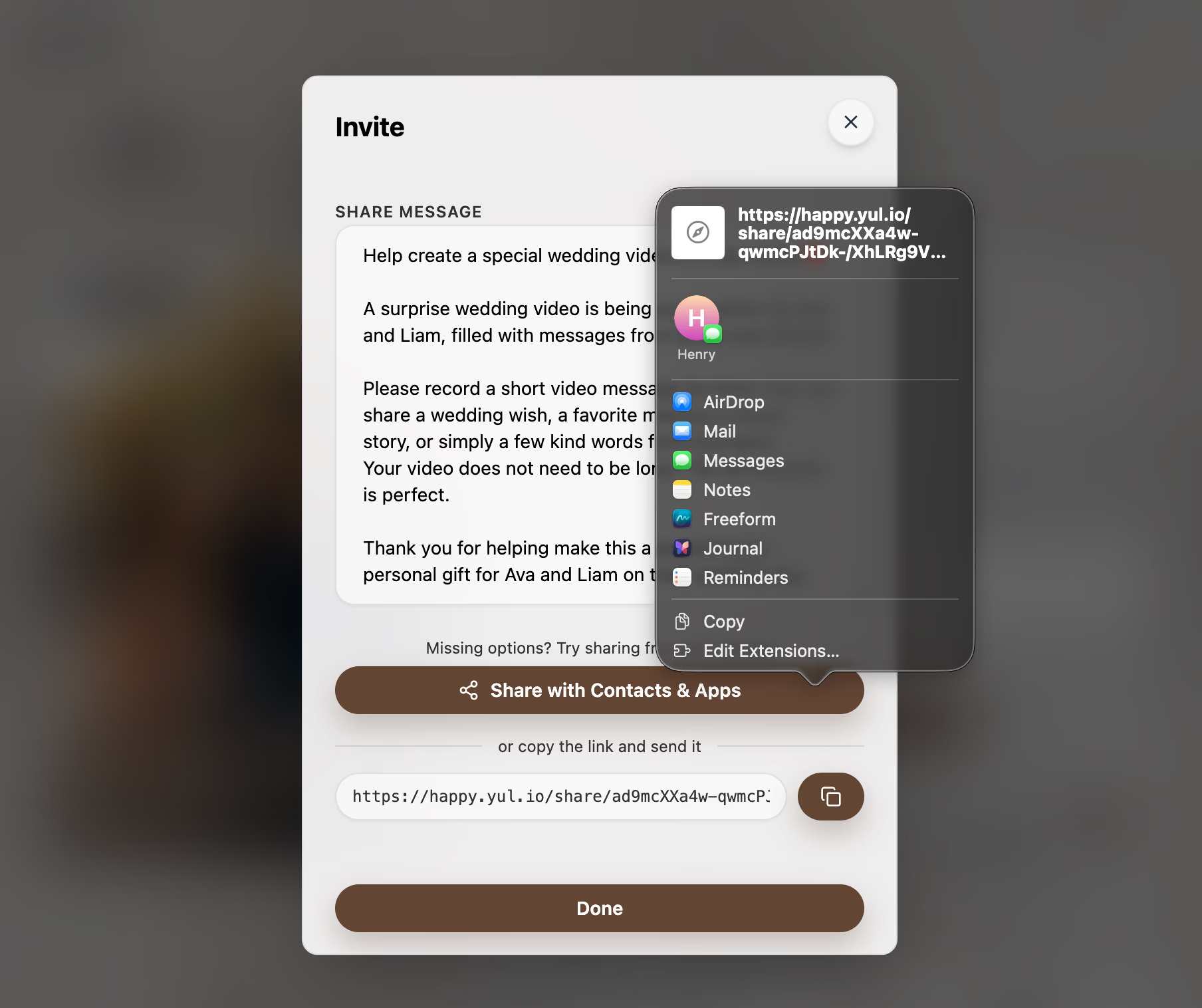
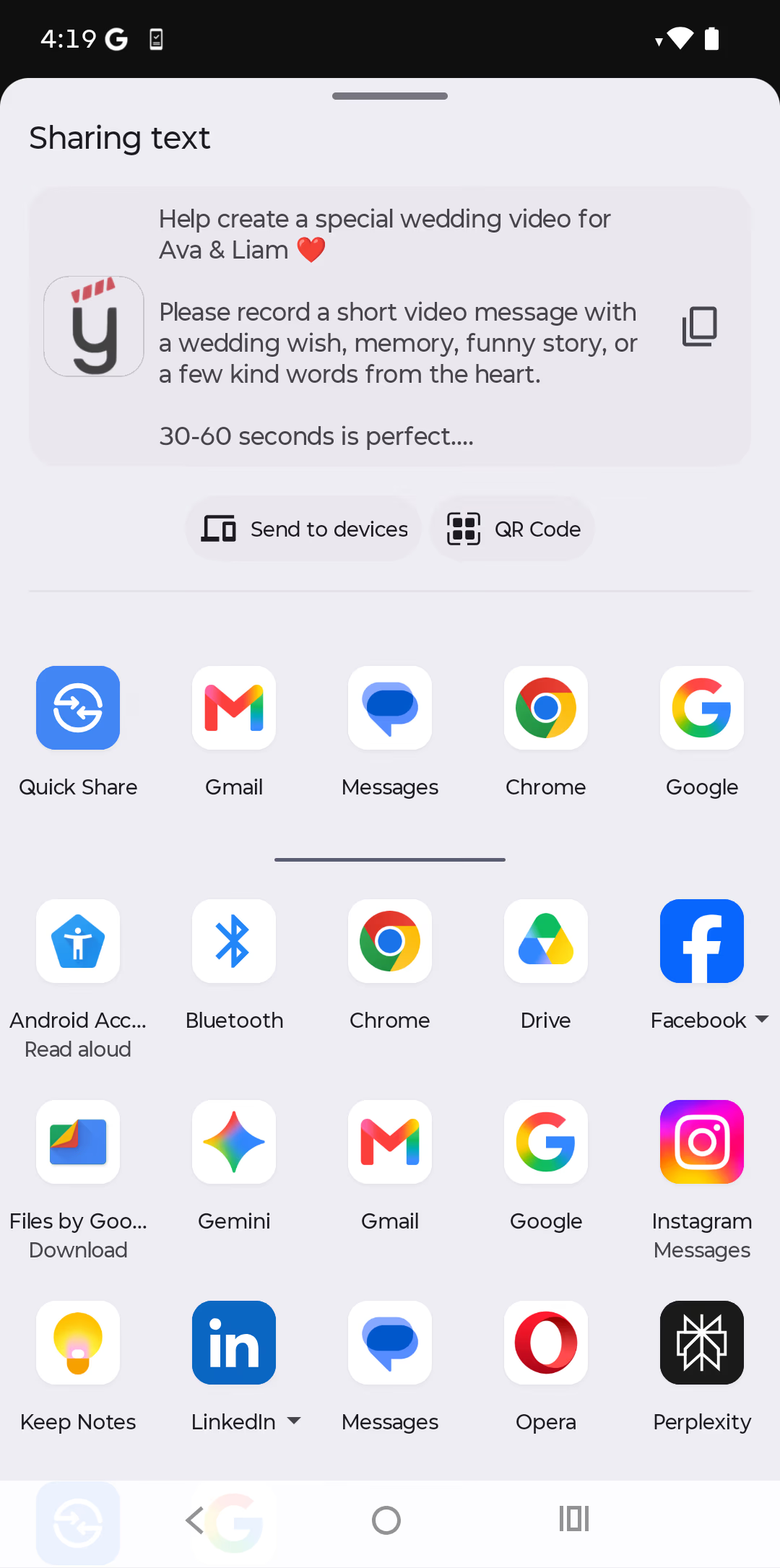
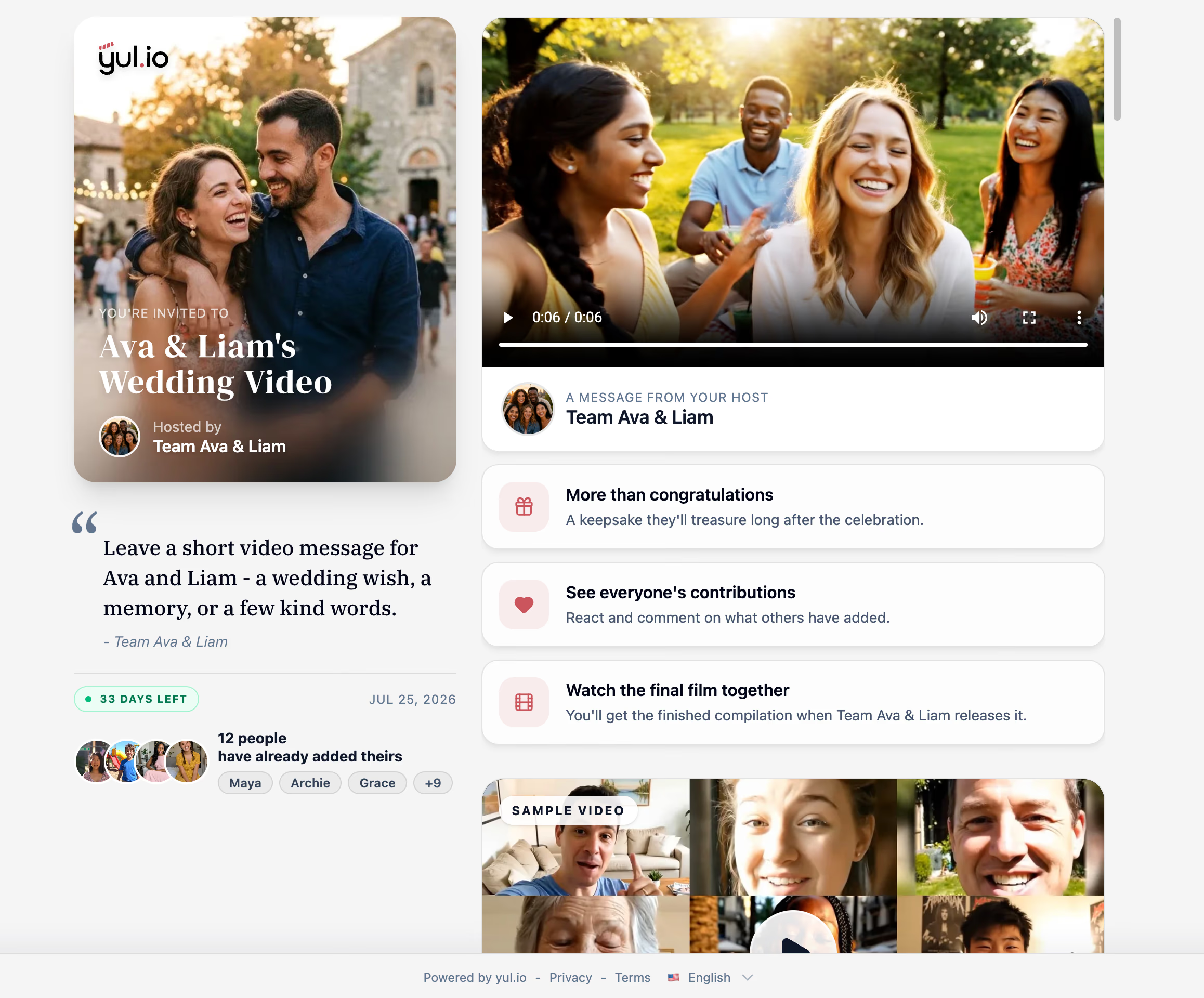
Invite anyone with a link—no account required

Read more
  • Private by default. Contributors join straight from a link, with zero registration.
  • Optionally record a personal video invite that greets everyone who opens it.
  • Suggest favorite memories, funny stories, or prompts so people know what to say and can record with confidence.
02 Title editor

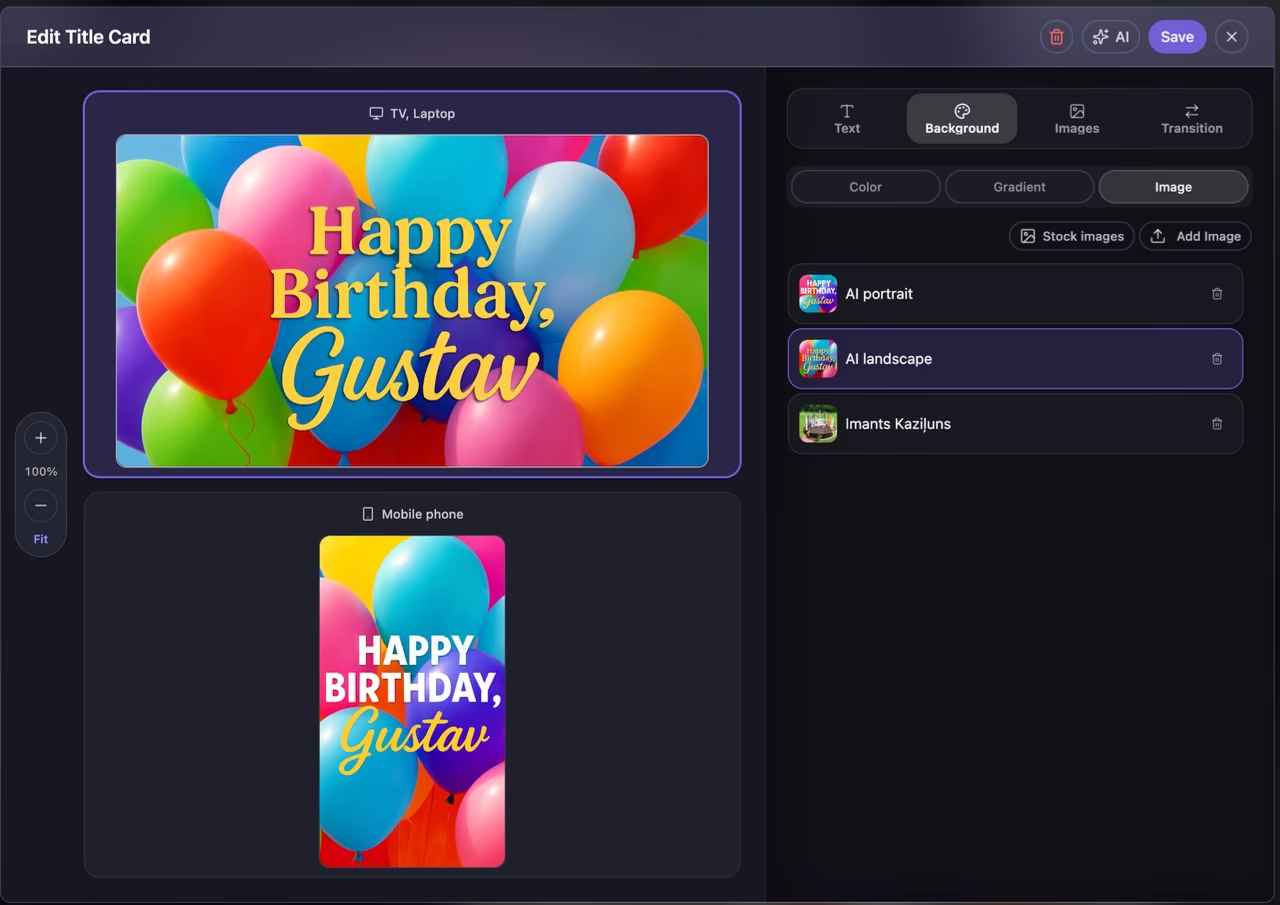
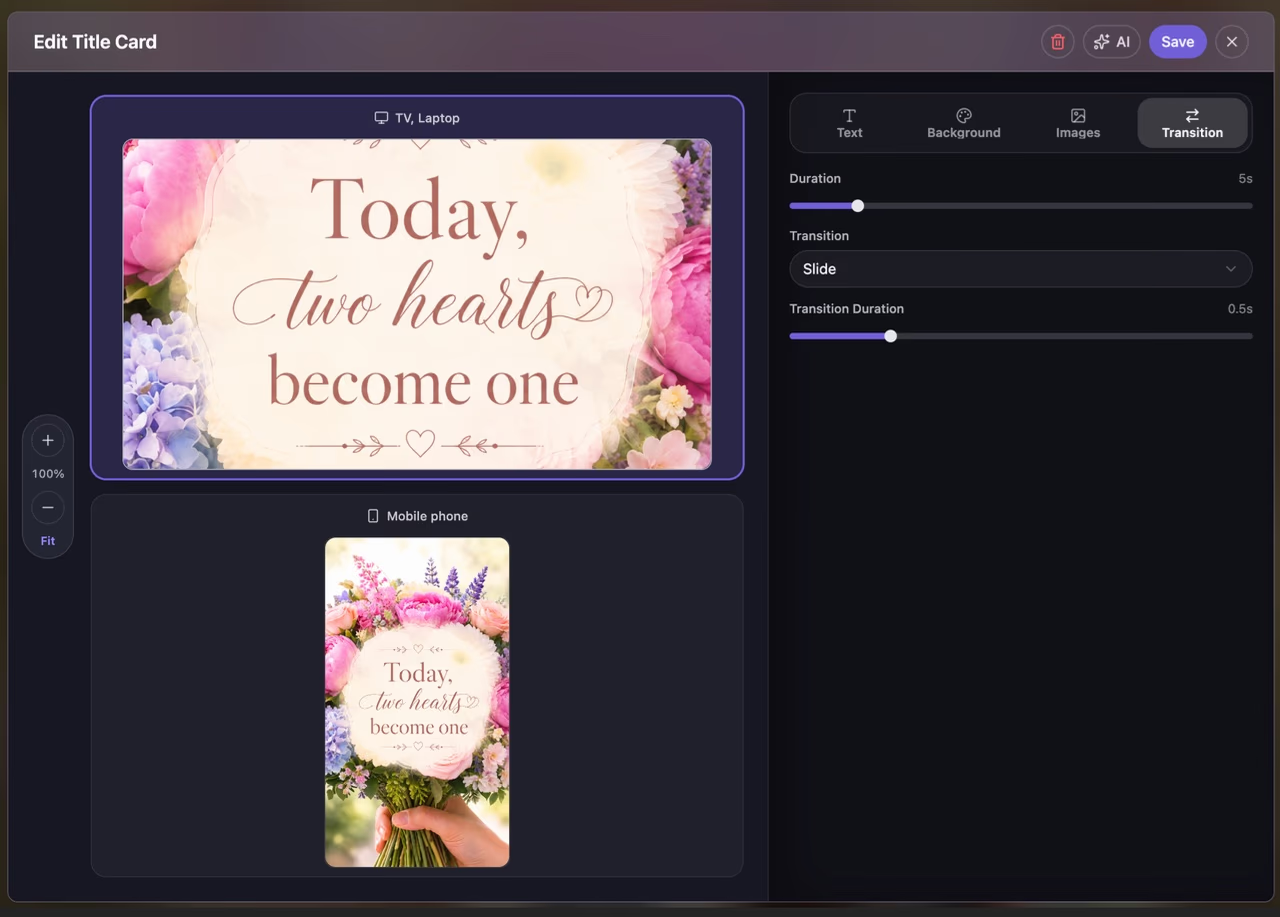
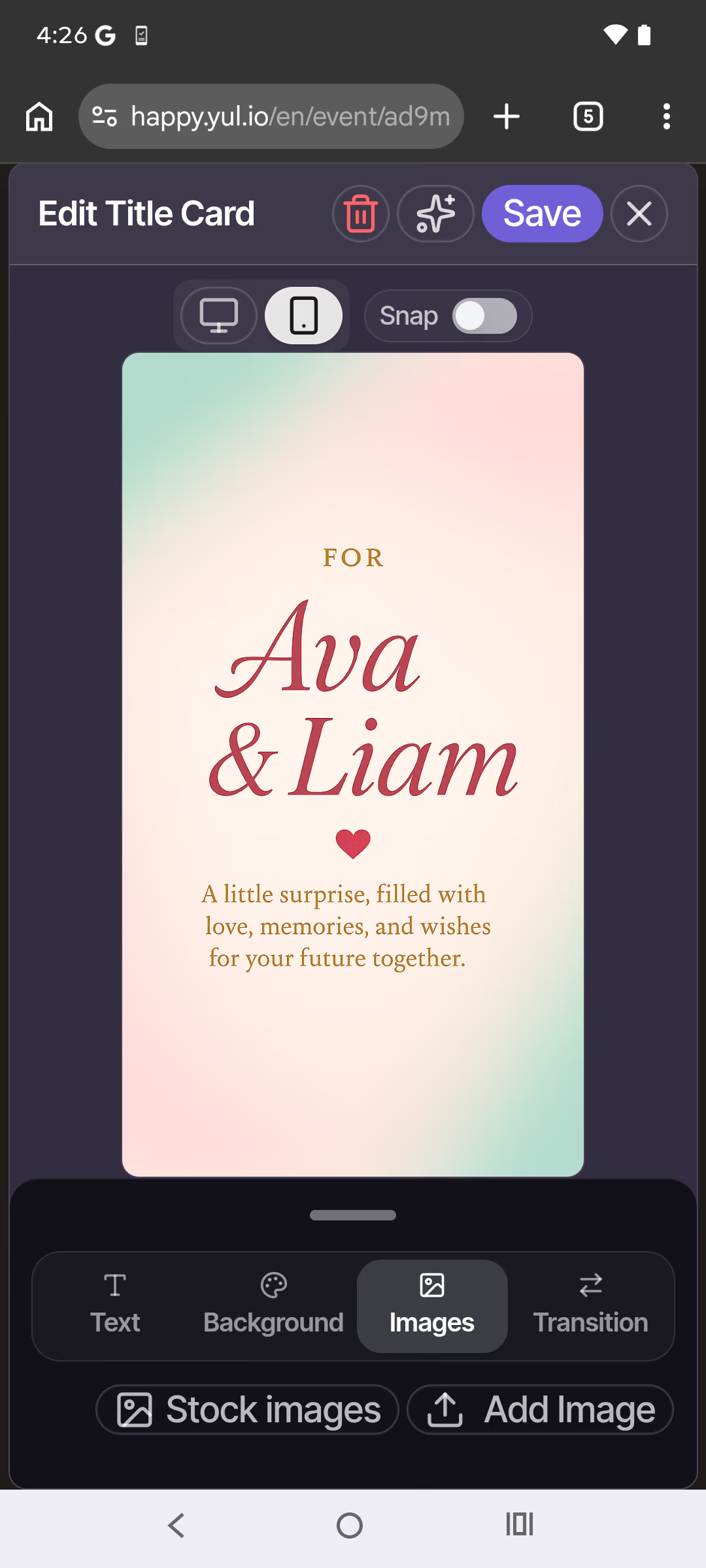
Set the scene with a title card built for the occasion

Read more
  • Start from templates designed for every occasion.
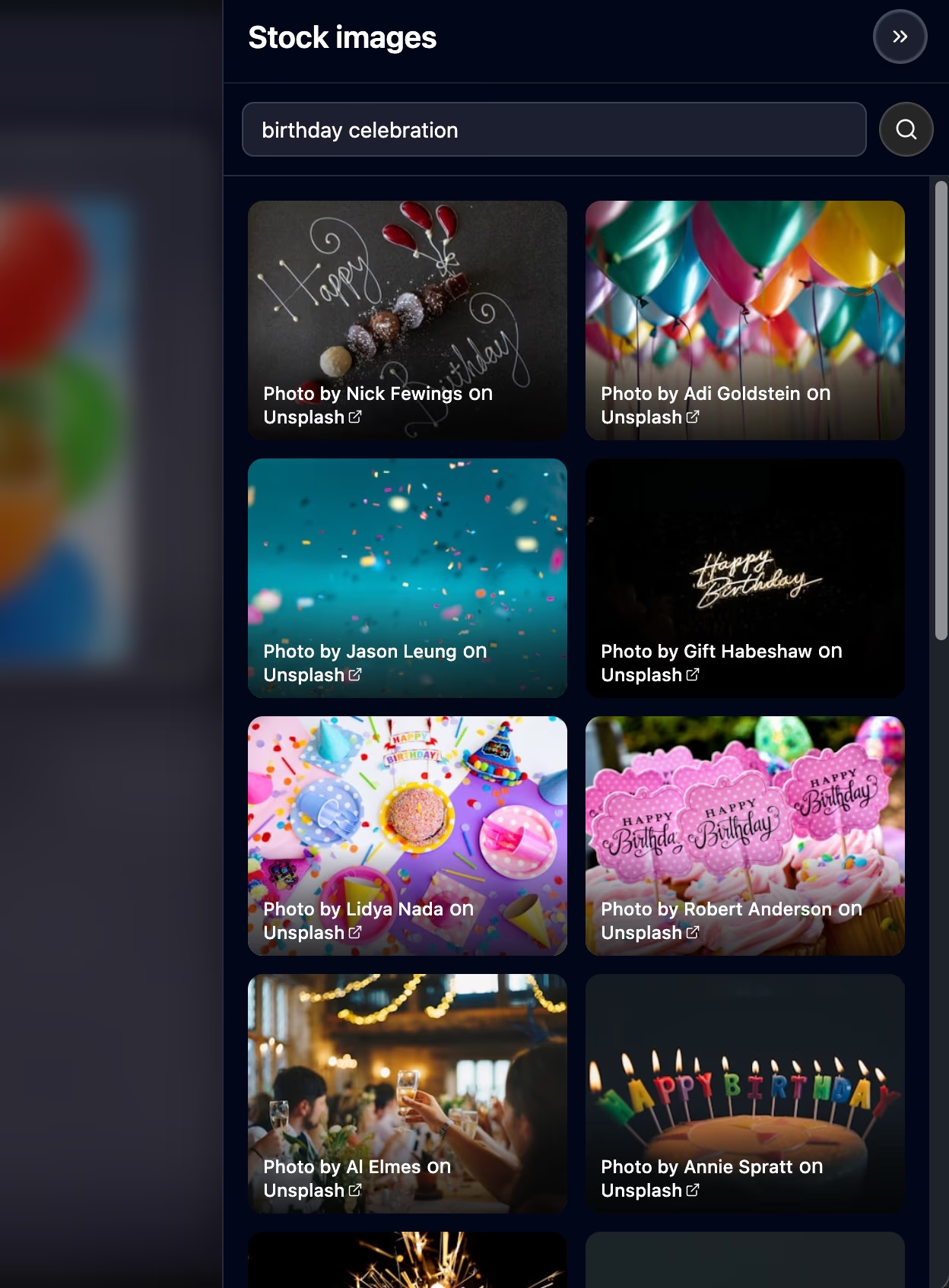
  • Style text in different fonts, upload your own images, or pull from thousands of stock photos.
  • Add transition animations so the card flows right into the film.
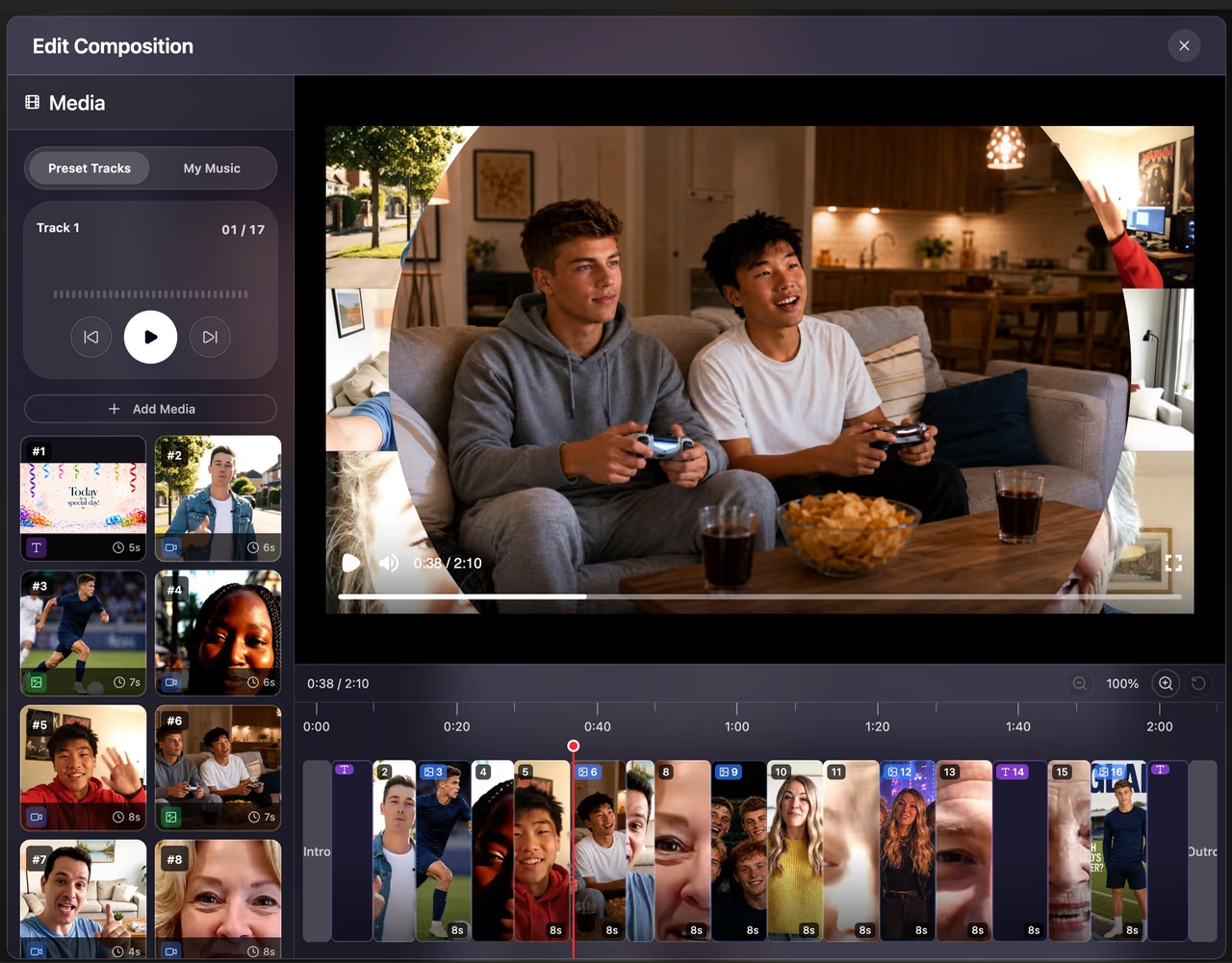
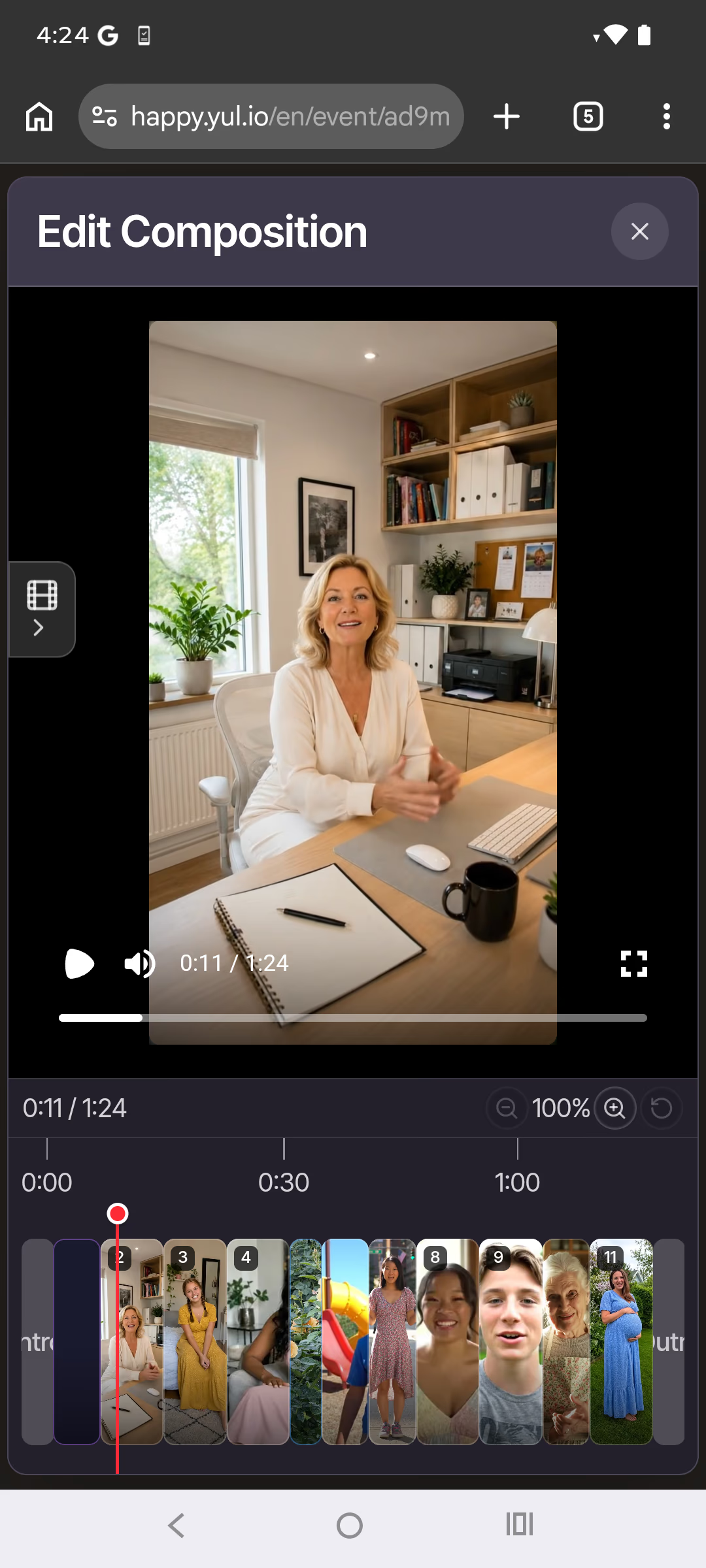
03 Real-time preview & editor

Edit the whole film in your browser—and watch it update live

Read more
  • Drag and drop to arrange every clip in both portrait and landscape versions.
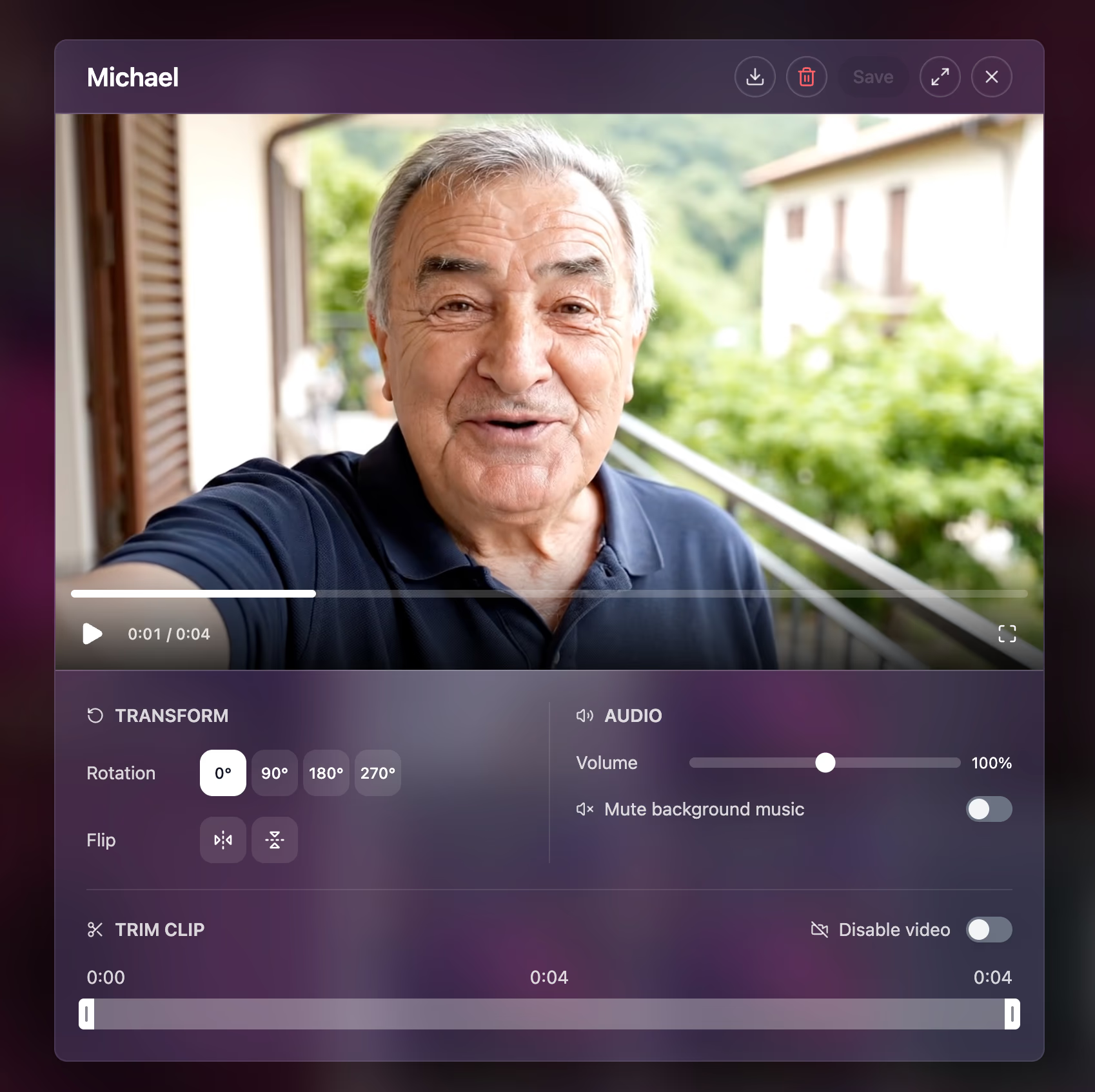
  • Trim, rotate, and flip videos; drop in images with their own transitions.
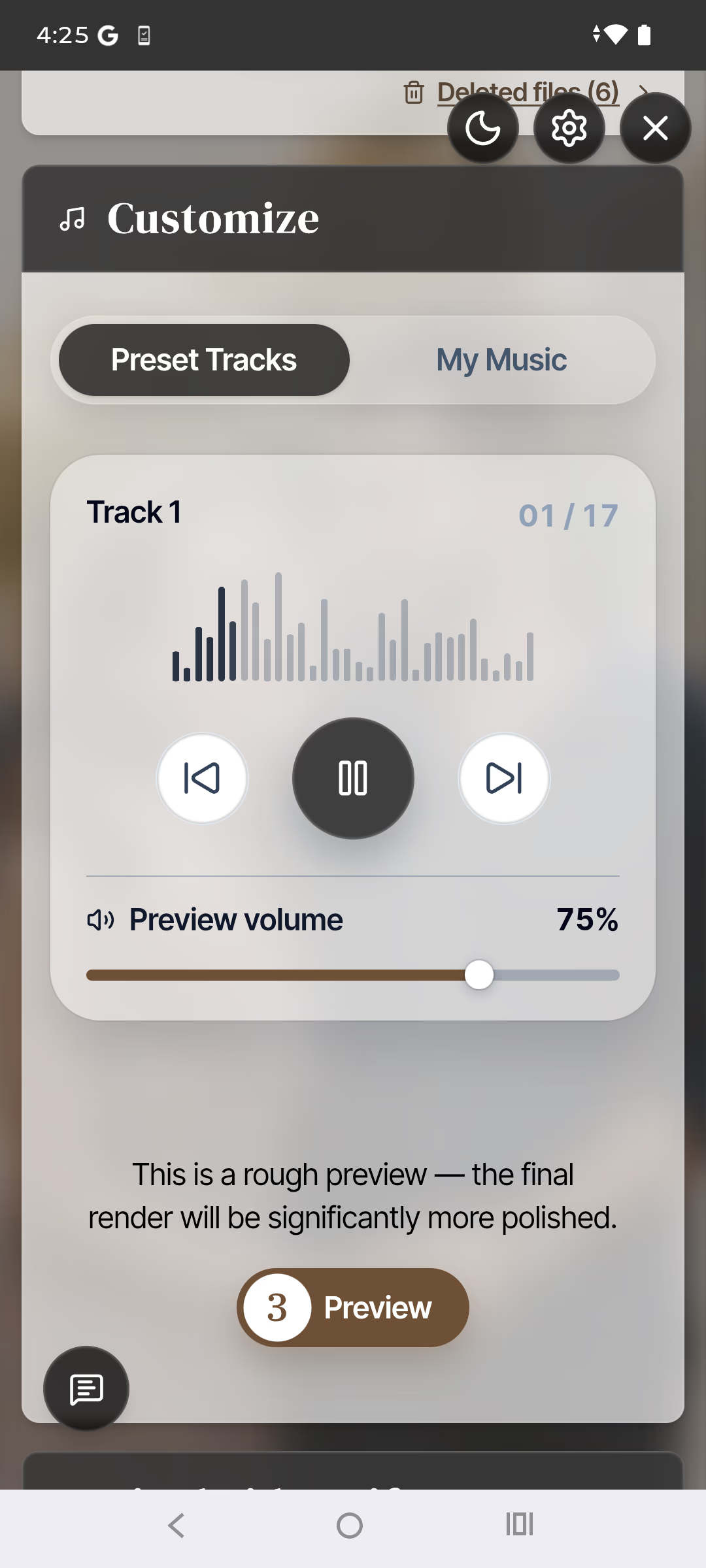
  • Score it with preset music tracks, or upload your own.
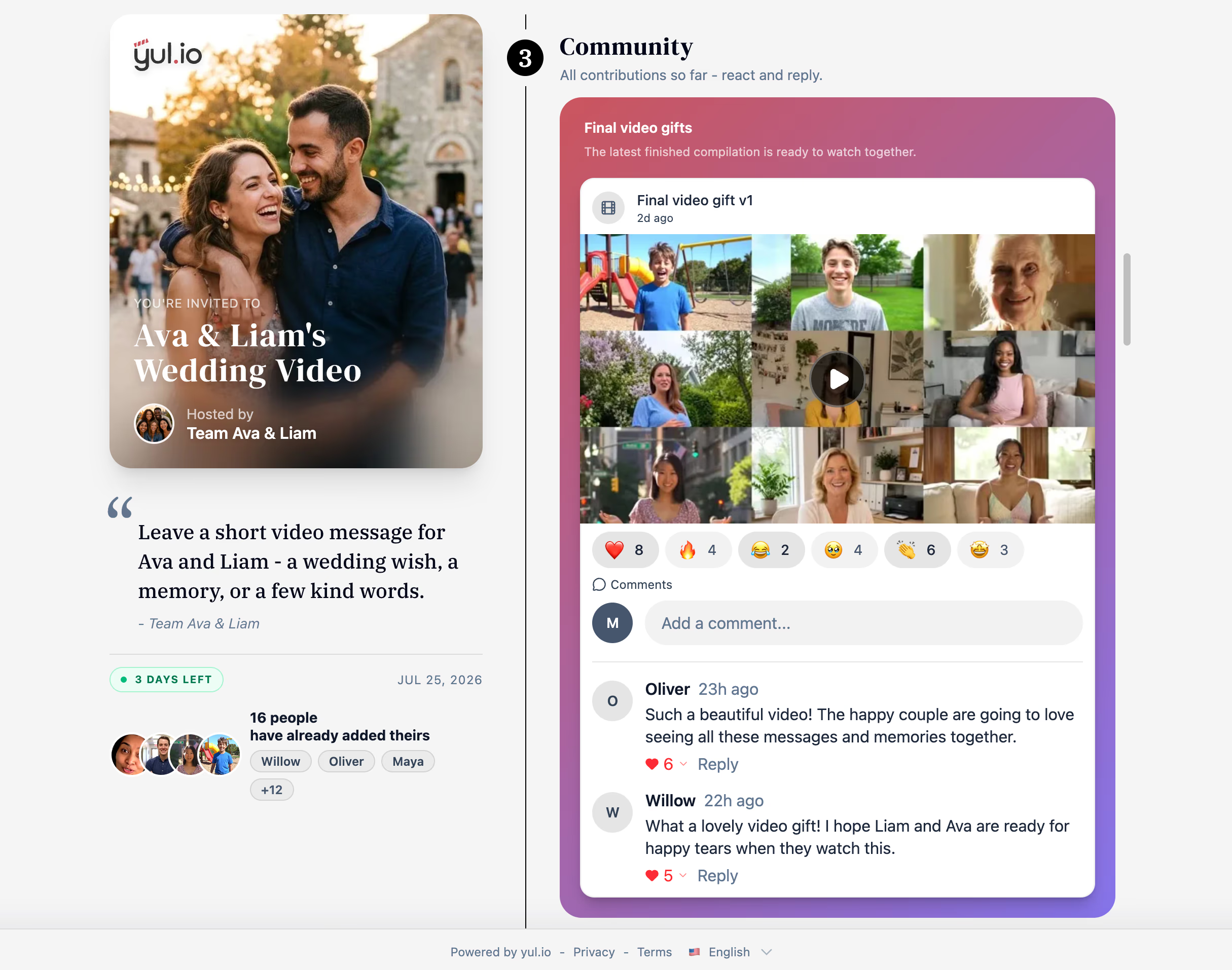
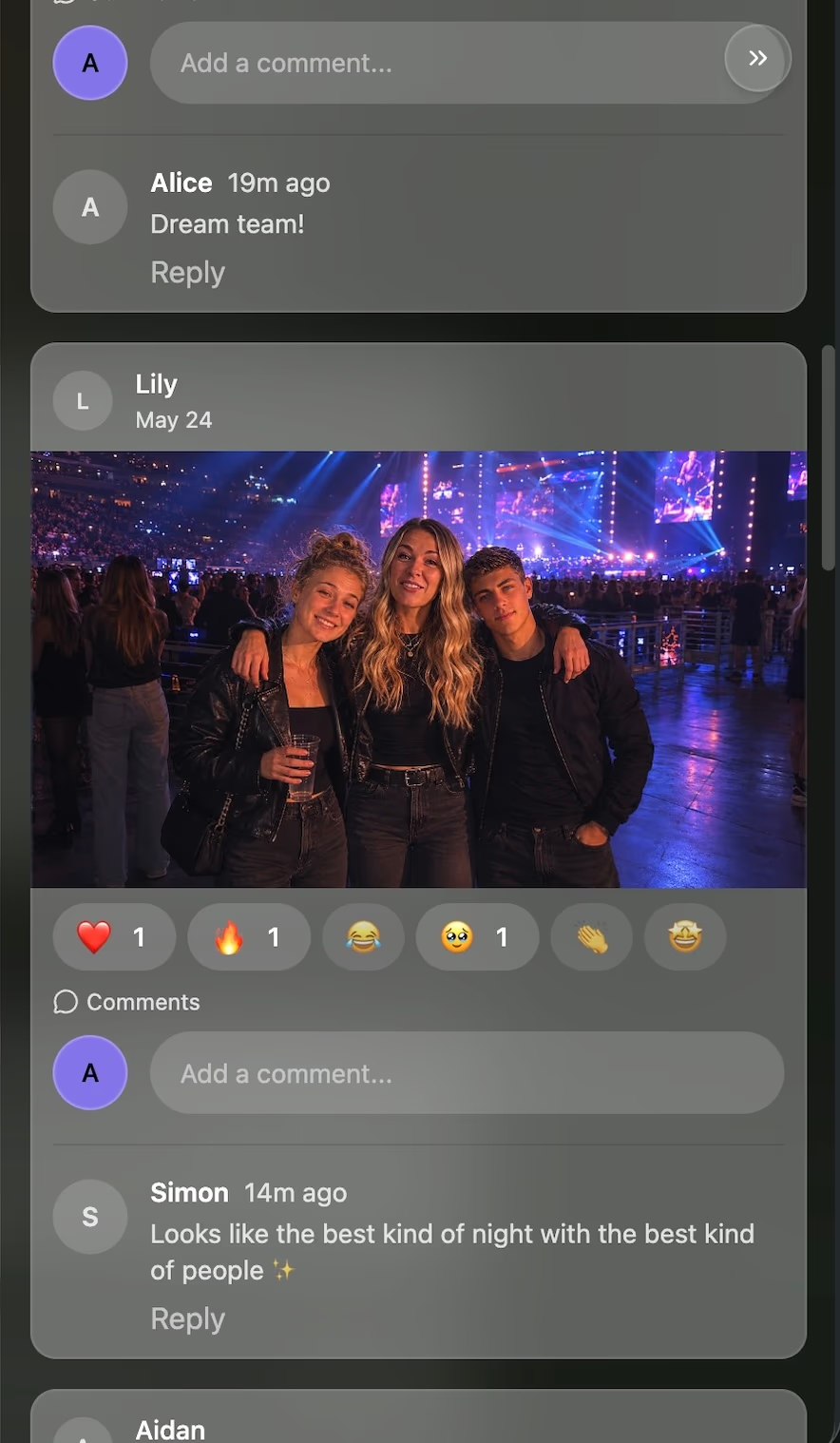
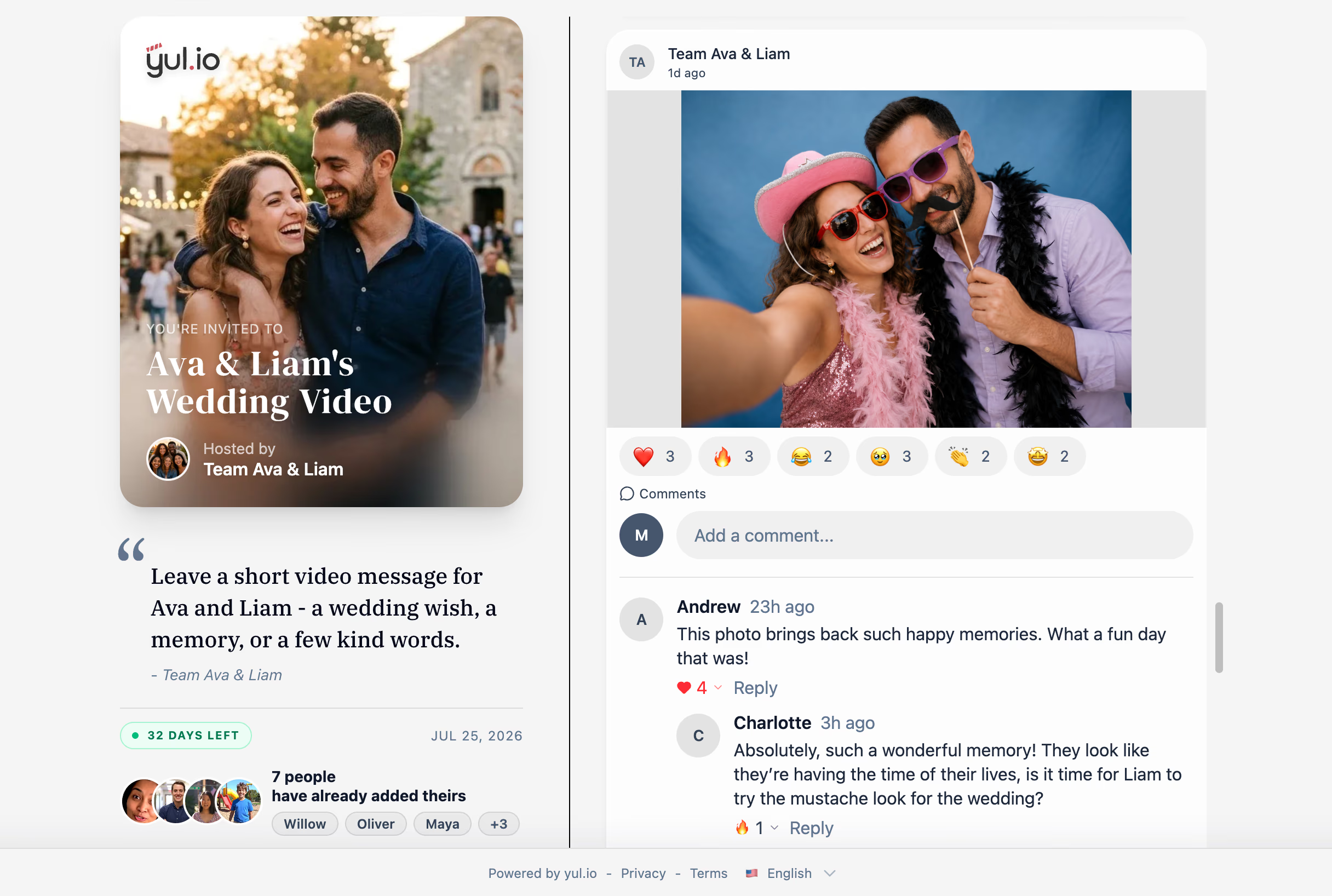
04 Community area

A shared space to react and comment—fully under your control

Read more
  • Contributors can comment on and react to each other's clips.
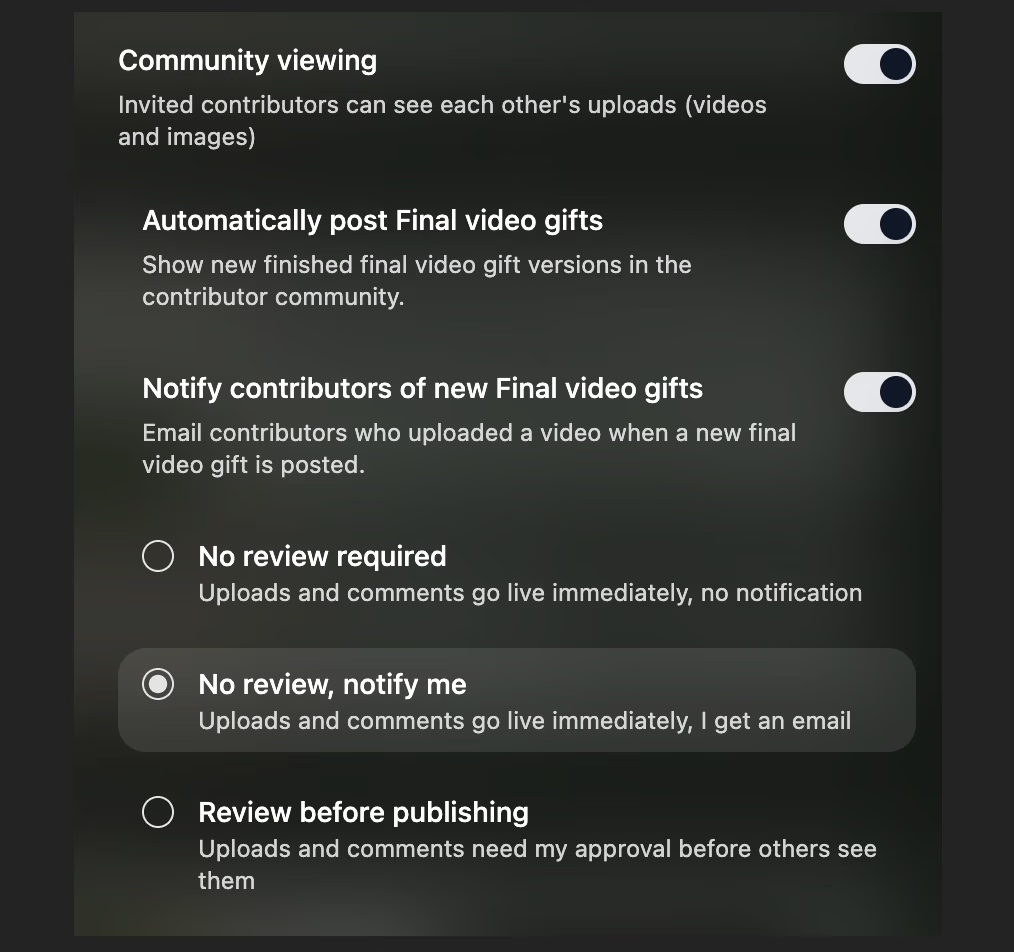
  • Or switch it off, so only you and the recipient ever see the videos.
  • Review contributions before publishing, or let them go live automatically and receive a notification.

Pay per video

Start free. Upgrade to Full HD when you’re ready.

Export videos up to 5 minutes for free in 480p portrait format. Upgrade anytime for 1080p Full HD and an additional landscape version.

Your video length 5:00min
0:00–5:00 min. $4.99€4.49 or free
5:01–10:00 min. $14.99€12.99
10:01–20:00 min. $29.99€25.99
20:01–30:00 min. $44.99€38.99
30:01–90:00 min. $59.99€49.99
HD Export · 1080p Full HD
$4.99€4.49
for a 0:00–5:00 min. video or free
Create your video

Create first, choose export quality later

Secure checkout, powered by Stripe
VISA AMEX PayPal

FAQ

Answers to common questions

When should we send wedding video invites to guests? +

Send invites 4–6 weeks before the ceremony. Wedding guests are usually busy with travel and preparation, so giving them extra time leads to a richer collection of messages.

Can guests who can't attend the wedding still contribute? +

Yes—that is one of the most common uses. Anyone with the link can record from anywhere in the world, even if they can't make the trip.

Is it okay to play the video during the reception? +

Absolutely. Many couples premiere it during the reception or speeches. You can download it in HD ahead of time so it plays smoothly without buffering.

Can I download and share the final video? +

Yes. After export, you can download the HD video and share it privately with the recipient.

Ready to make someone’s day?

Bring everyone’s messages together in a video made just for them.

No credit card required